Guide · Android Auto
Your routeyour way
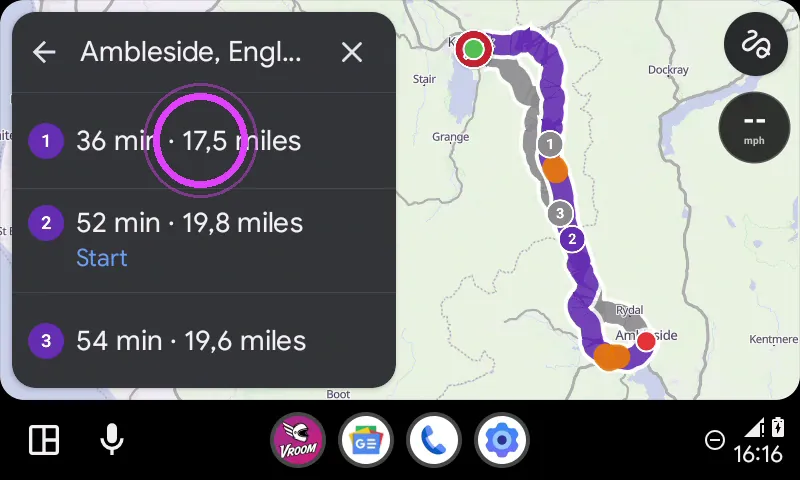
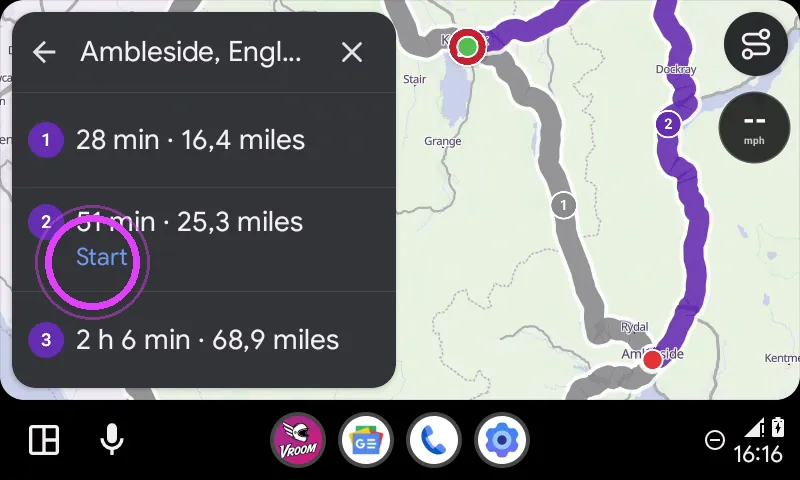
Before you start, the preview shows your routes, with their duration and distance.
Break-in
Tested with Vroom GPS v2.2.3
Step by step ↓
Step by step
Followthe guide
Change your riding style in one tap: Vroom recalculates and offers several routes, pick yours.
-
1
The route preview
Once you pick a destination, the preview shows your routes, with their duration and distance.
-
2
Tap the riding style
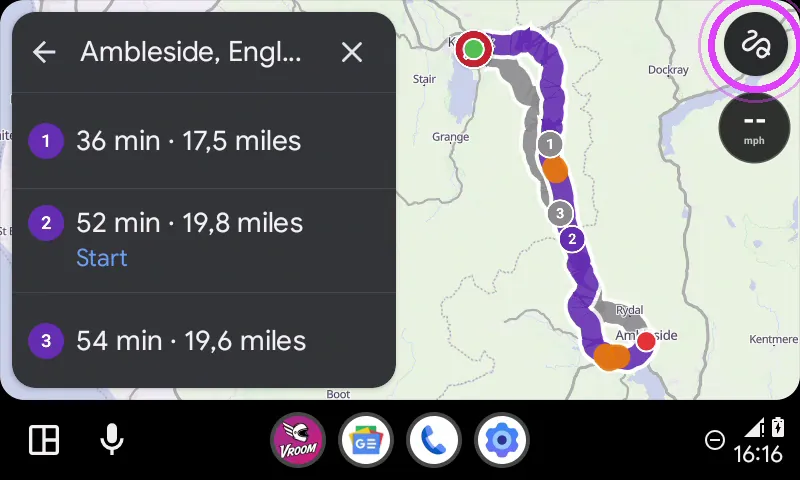
Tap the button at the top right: it is your riding style.
-
3
Pick your style
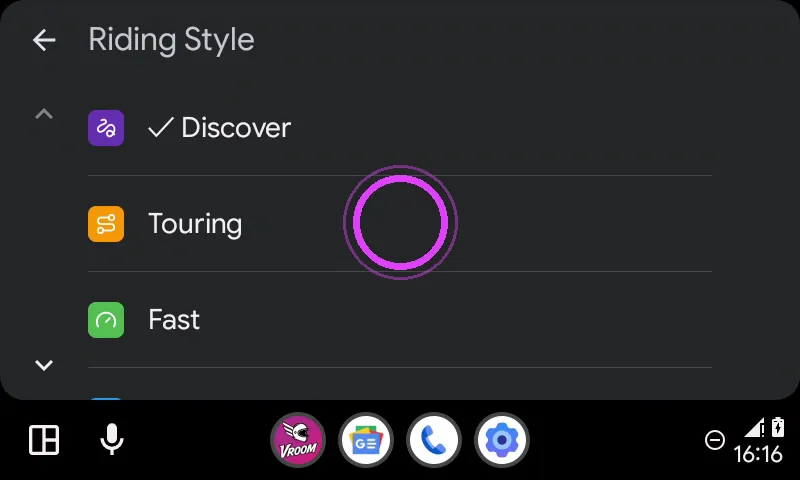
Discover, Touring, Fast or Direct: pick one, Vroom recalculates.
-
4
Pick your route
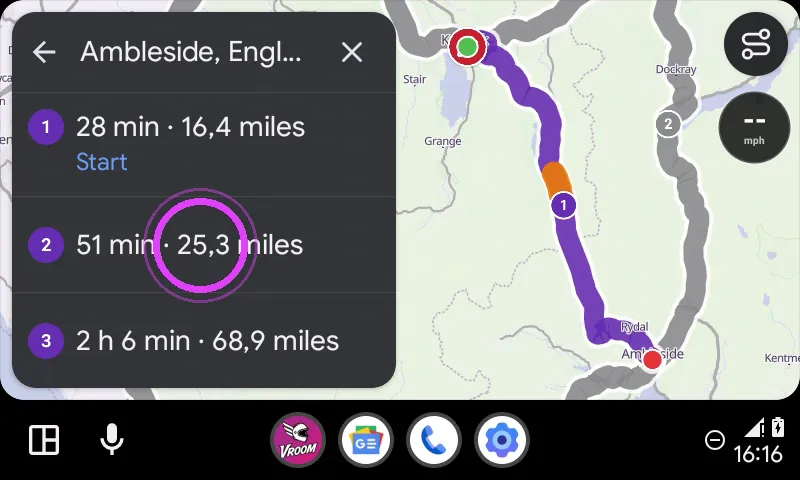
Several routes are offered: tap the one you like.
-
5
Start
Tap Start under your route.
-
6
On your way
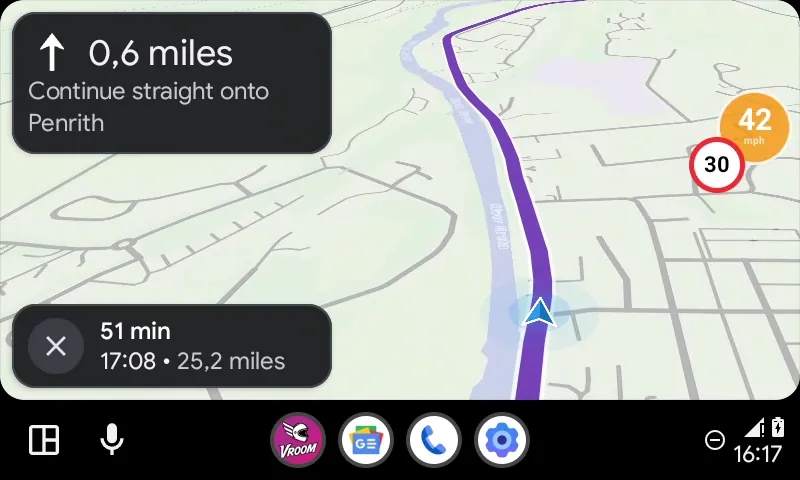
Guidance follows the route you picked.
-
7
Enjoy the ride
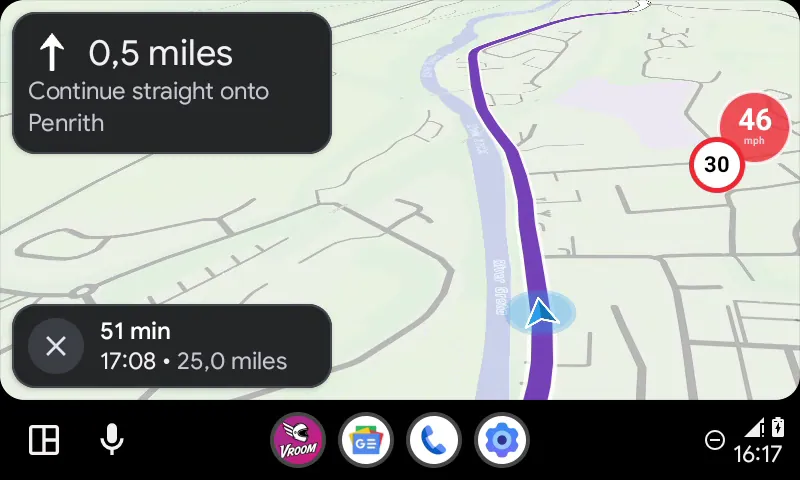
Enjoy the ride!
← Vroom GPS guidesNext guide: Arriving and stopping navigation on Android Auto →
Not onVroom GPS yet?
Get the free app: voice guidance, speed cameras, curvy roads and CarPlay, no subscription.