Ridetogether
Every rider in the group on the same map, live. You know who is ahead, who is behind and by how much, without stopping at every junction.
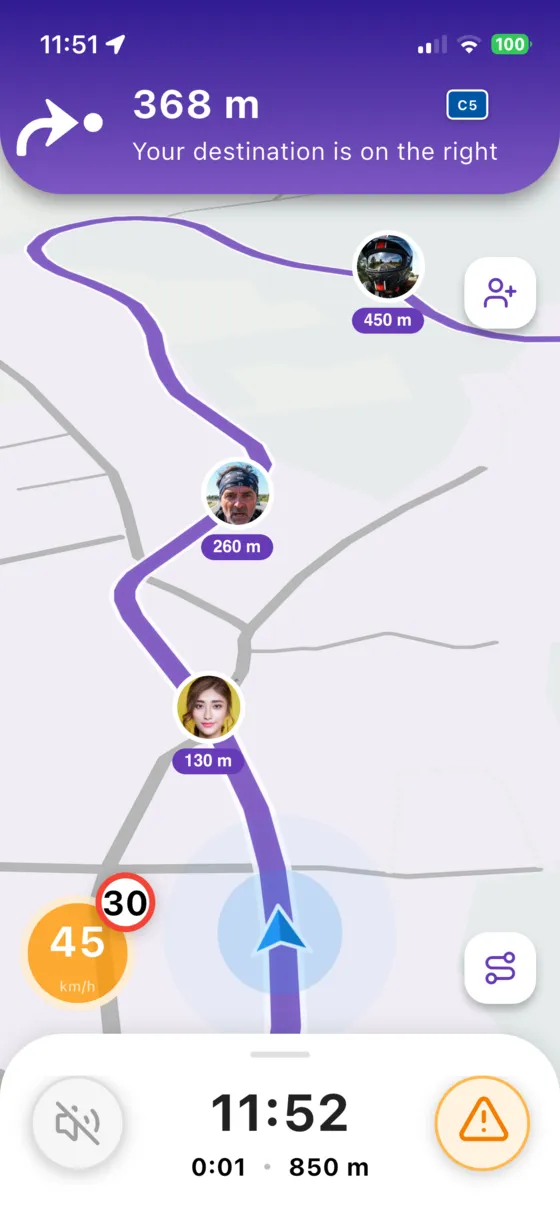
 Léa 450 m
 Max 260 m
 Sam 130 m
Three steps,you're riding
- 1
Create a ride
Pick a route or a road trip and create a ride in a few taps.
- 2
Invite your friends
Share the invite link by message. Your friends join in one tap, with or without your crew.
- 3
Ride together
Everyone follows the same route and sees the others on the map, with the distance between you.
Nobody getslost anymore
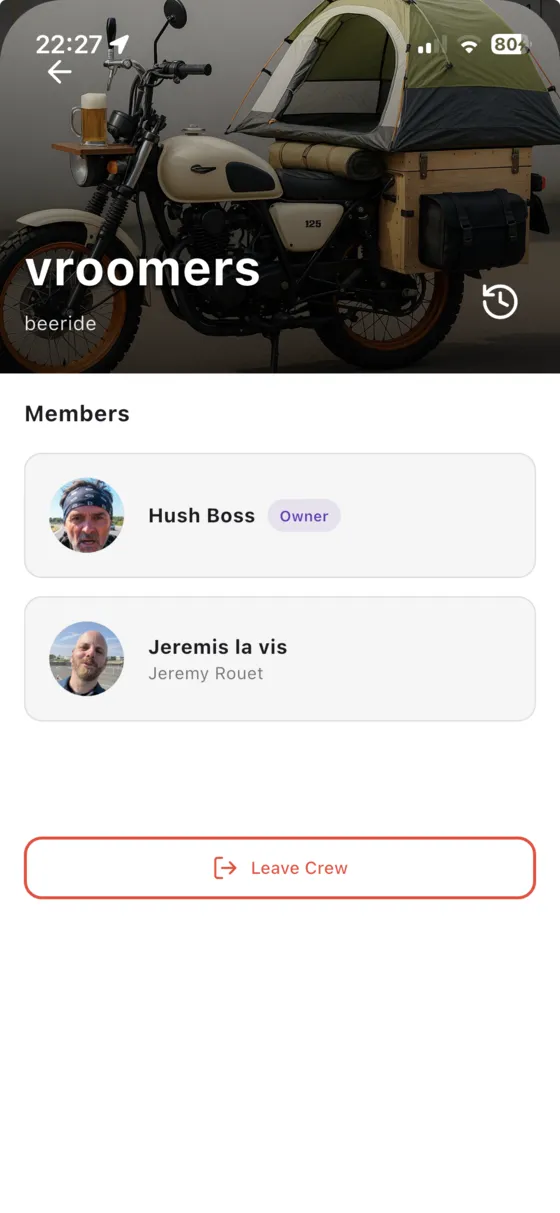
Each rider appears on the map with their photo and their distance from you. If someone stops or takes a wrong turn, you see it right away.
- Avatars and distances on the map
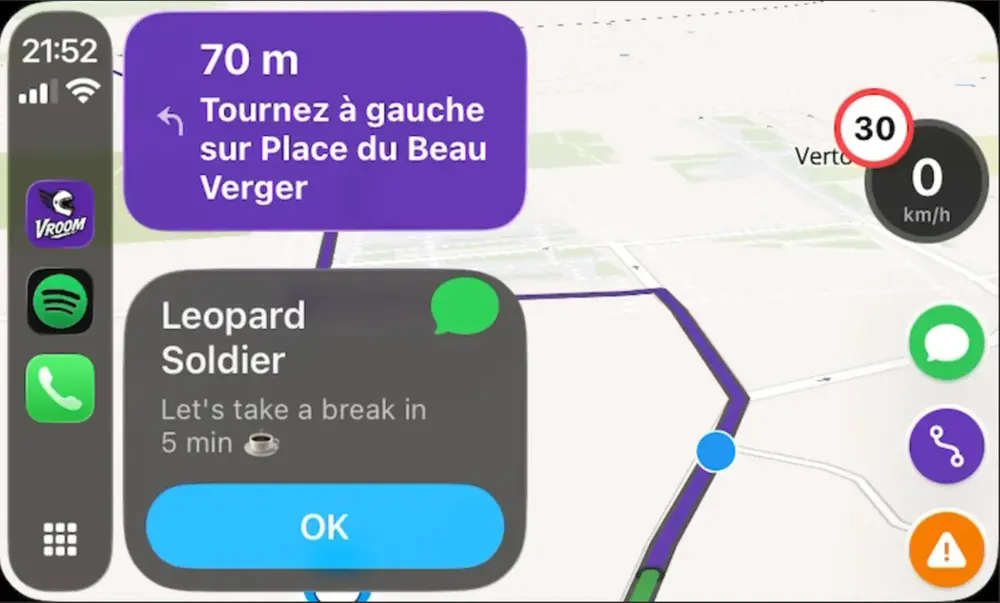
- Works on CarPlay and Android Auto too
- Your position is shared only during the ride
Talk withoutstopping
Predefined messages sent to the whole group in one tap, designed to be used with gloves: wait for me, join me, break in 5 minutes, fuel stop soon.
- One tap, even with gloves
- Displayed on the dashboard screen
- Your crew stays in the loop all ride long
You might bewondering…
Do my friends need Vroom GPS?
Yes, each rider installs the app (free on iPhone and Android) and joins the ride with the invite link.
Is my position shared all the time?
No. Your position is only shared with the members of the ride, while the ride is active.
How many riders can join a ride?
A ride is designed for groups of friends and clubs: invite everyone you ride with.
Everything elseVroom GPS does
Generate a loopin 5 seconds
A distance, a direction, and a loop on the best roads around you.
Learn more → Motorcycle road tripAI builds yourroad trip
A complete multi-day road trip, stage by stage, generated in a few questions.
Learn more → Curvy roadsYour style,your routes
Four riding styles to get the curviest roads instead of the fastest.
Learn more → RoadbooksImport yourGPX tracks
Turn any GPX roadbook into turn-by-turn navigation, and export your trips.
Learn more → SafetyRoad alertsin real time
Report hazards in one tap and get the alerts other riders share.
Learn more → Motorcycle & carOn your dashboard,CarPlay & Android Auto
Guidance, alerts and your crew on your motorcycle's CarPlay or Android Auto screen.
Learn more → Group ride safetyRide together,ride safe
The whole group live on the map, and your QRful emergency sheet within reach of first responders.
Learn more →Ready toride?
Install Vroom GPS and find your next ride this weekend.