Your style,your routes
A car GPS looks for the fastest road. Vroom GPS looks for the best one to ride: back roads, bends and mountain passes, with a riding style that matches your mood.
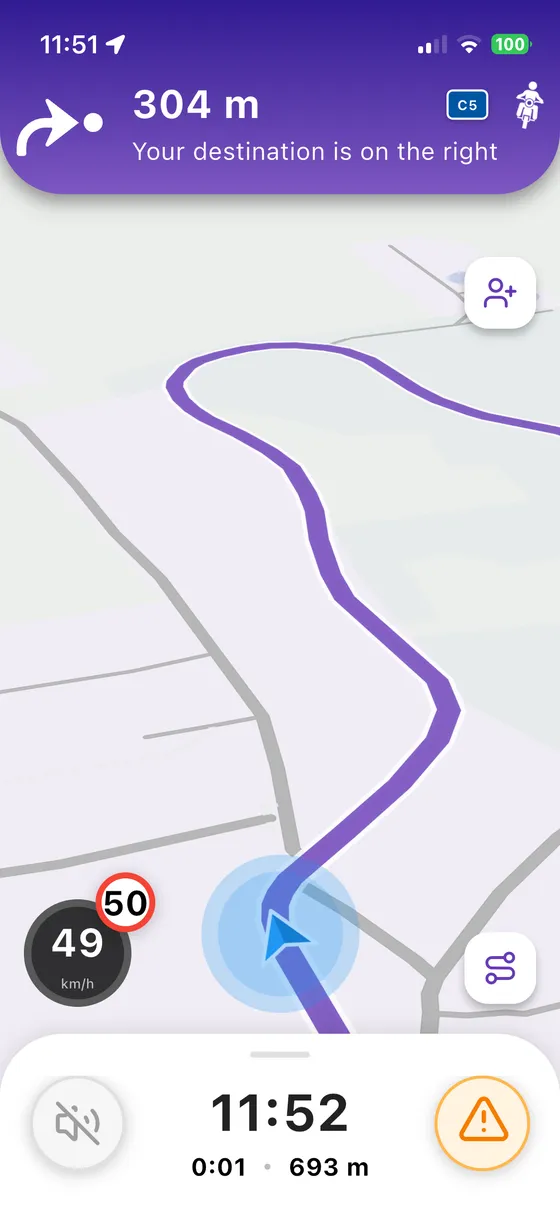
Three steps,you're riding
- 1
Set your destination
Search for a place or tap it on the map.
- 2
Choose your style
Discover, Touring, Fast or Direct: the route adapts to how you want to ride.
- 3
Compare and go
Up to 3 routes side by side, then turn-by-turn voice guidance.
Bends or speed,your call
Discover chases curvy roads and views, Touring keeps a relaxed pace, Fast saves time and Direct takes the shortest way. Switch whenever you like.
- Discover for the most beautiful roads
- Avoid tolls and ferries
- Up to 3 routes to compare
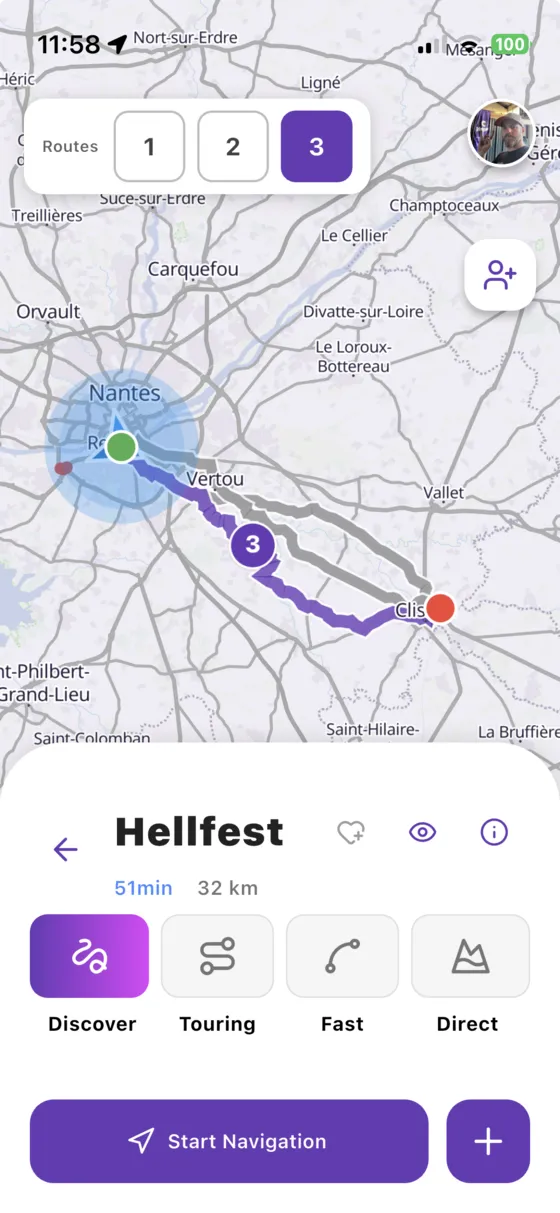
Eyes onthe road
Clear voice guidance, big buttons you can use with gloves, speed limits and an arrow showing the next turn. Everything is designed to be read in a glance.
- Turn-by-turn voice guidance
- Glove-friendly interface
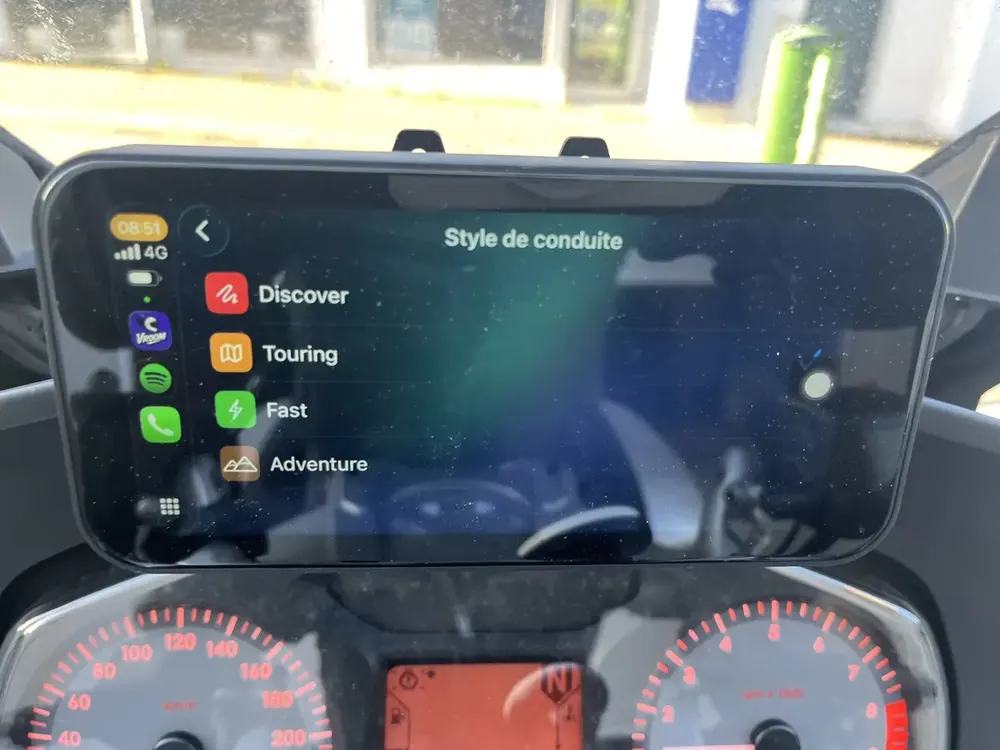
- Also on CarPlay and Android Auto
You might bewondering…
How does Vroom GPS find curvy roads?
The Discover style favours winding and scenic roads over highways and main roads, to get the most enjoyable route for a motorcycle.
Can I avoid tolls?
Yes, you can avoid toll roads and ferries for each route.
Does it have voice guidance?
Yes, turn-by-turn voice guidance, in your intercom or on your phone, in 18 languages.
Everything elseVroom GPS does
Ridetogether
See your whole crew live on the map and message them in one tap.
Learn more → QuickrideGenerate a loopin 5 seconds
A distance, a direction, and a loop on the best roads around you.
Learn more → Motorcycle road tripAI builds yourroad trip
A complete multi-day road trip, stage by stage, generated in a few questions.
Learn more → RoadbooksImport yourGPX tracks
Turn any GPX roadbook into turn-by-turn navigation, and export your trips.
Learn more → SafetyRoad alertsin real time
Report hazards in one tap and get the alerts other riders share.
Learn more → Motorcycle & carOn your dashboard,CarPlay & Android Auto
Guidance, alerts and your crew on your motorcycle's CarPlay or Android Auto screen.
Learn more → Group ride safetyRide together,ride safe
The whole group live on the map, and your QRful emergency sheet within reach of first responders.
Learn more →Ready toride?
Install Vroom GPS and find your next ride this weekend.