Import yourGPX tracks
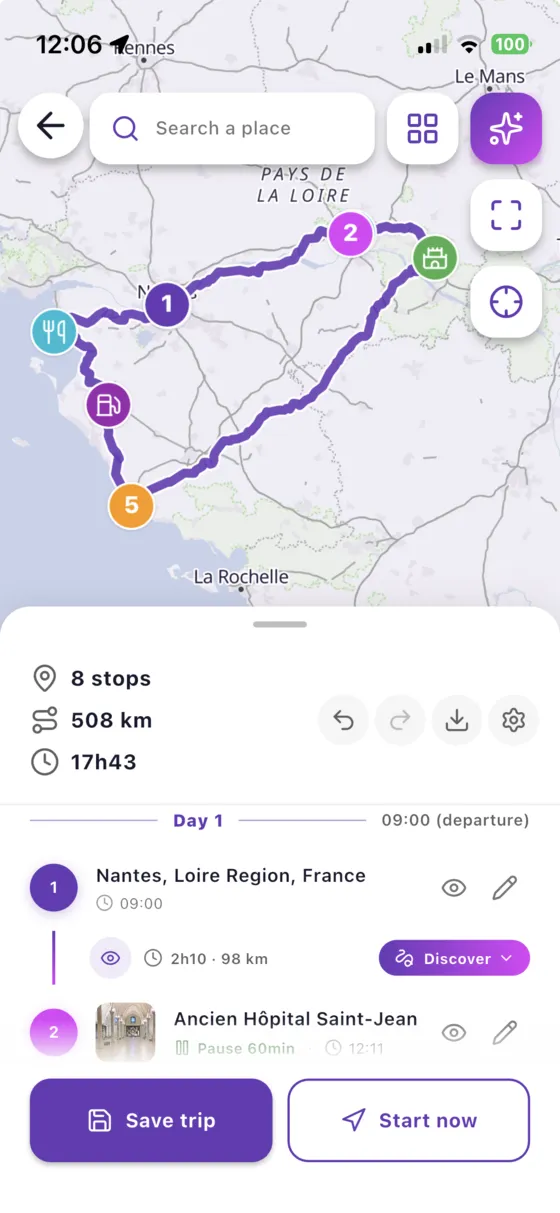
Received a roadbook from your club or a track from a friend? Import the GPX file and Vroom GPS turns it into a ride-ready road trip, faithful to the original track.
Three steps,you're riding
- 1
Import your GPX
From your phone or in the web app, from any source.
- 2
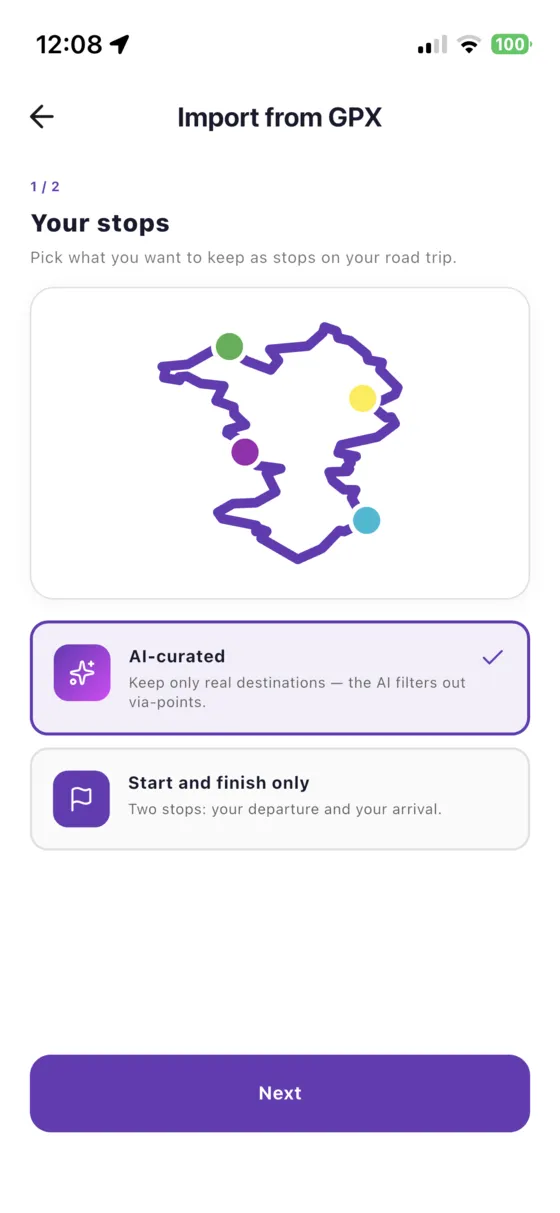
Choose your stops
Keep the suggested stops or only the start and finish.
- 3
Ride it
Turn-by-turn navigation that follows the original track.
Your roadbook,guided
Vroom GPS analyses the track and places the route points so that navigation follows the original line, bend after bend. The original track can be shown on the map to compare.
- Garmin tracks, roadbooks and more
- Original track displayed for comparison
- Stops pre-selected automatically
Your trips,everywhere
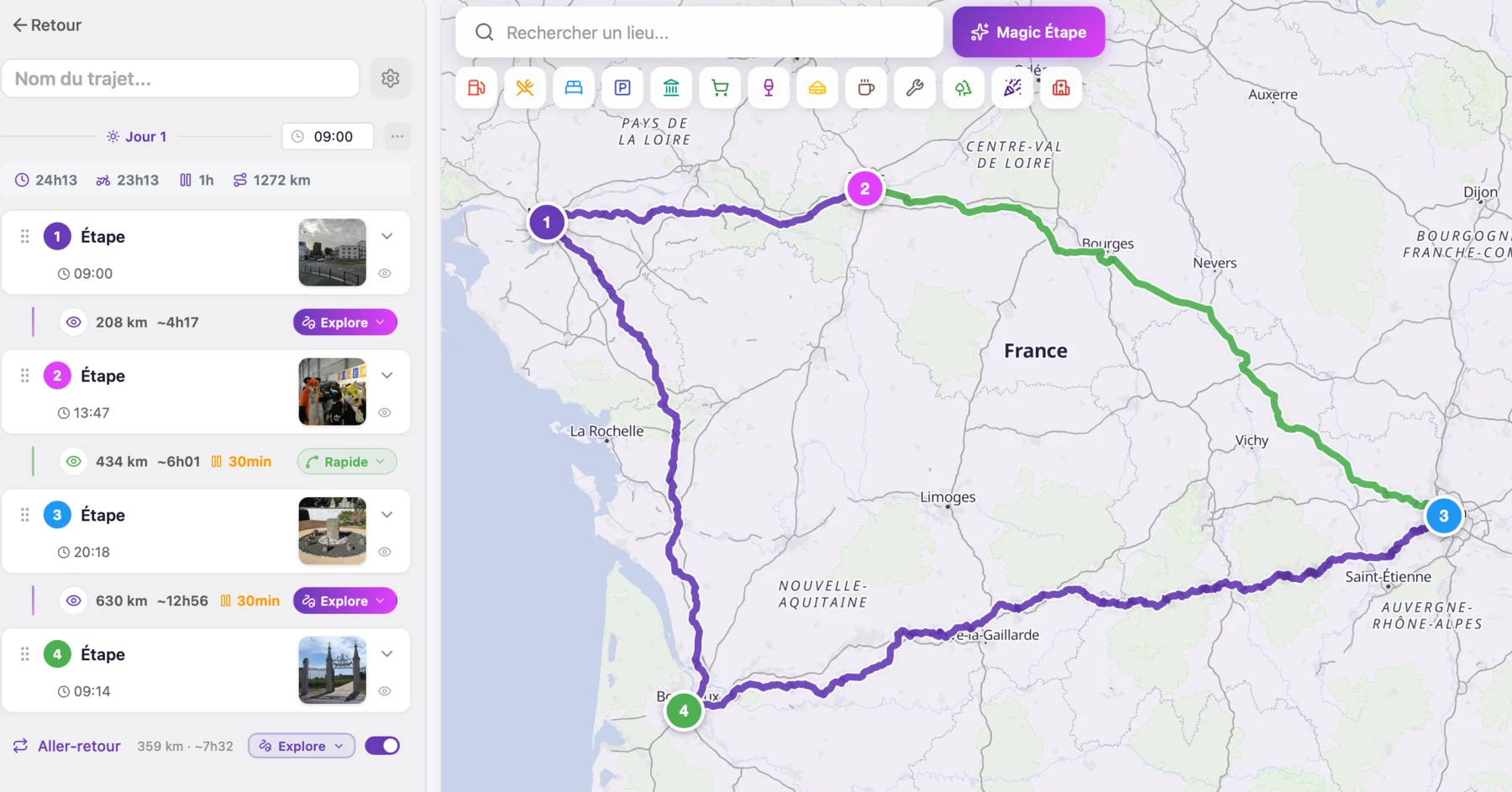
Export any road trip as a GPX file to share it or use it on another device. On the web app, simulate the track to preview the ride before leaving.
- One-click GPX export
- GPX simulation in the browser
- Synced with the mobile app
You might bewondering…
Which GPX files are supported?
Standard GPX files with routes or tracks, such as those exported by Garmin devices, roadbook websites or other apps.
Can I import on my computer?
Yes, the web app lets you import, edit and export GPX files in your browser, then ride them in the mobile app.
Is GPX import free?
Yes, import and export are free and unlimited.
Everything elseVroom GPS does
Ridetogether
See your whole crew live on the map and message them in one tap.
Learn more → QuickrideGenerate a loopin 5 seconds
A distance, a direction, and a loop on the best roads around you.
Learn more → Motorcycle road tripAI builds yourroad trip
A complete multi-day road trip, stage by stage, generated in a few questions.
Learn more → Curvy roadsYour style,your routes
Four riding styles to get the curviest roads instead of the fastest.
Learn more → SafetyRoad alertsin real time
Report hazards in one tap and get the alerts other riders share.
Learn more → Motorcycle & carOn your dashboard,CarPlay & Android Auto
Guidance, alerts and your crew on your motorcycle's CarPlay or Android Auto screen.
Learn more → Group ride safetyRide together,ride safe
The whole group live on the map, and your QRful emergency sheet within reach of first responders.
Learn more →Ready toride?
Install Vroom GPS and find your next ride this weekend.