On your dashboard,CarPlay & Android Auto
Connect your phone to your motorcycle's CarPlay or Android Auto screen: the route, the alerts and your crew show up right in front of you, in a layout designed for riding.
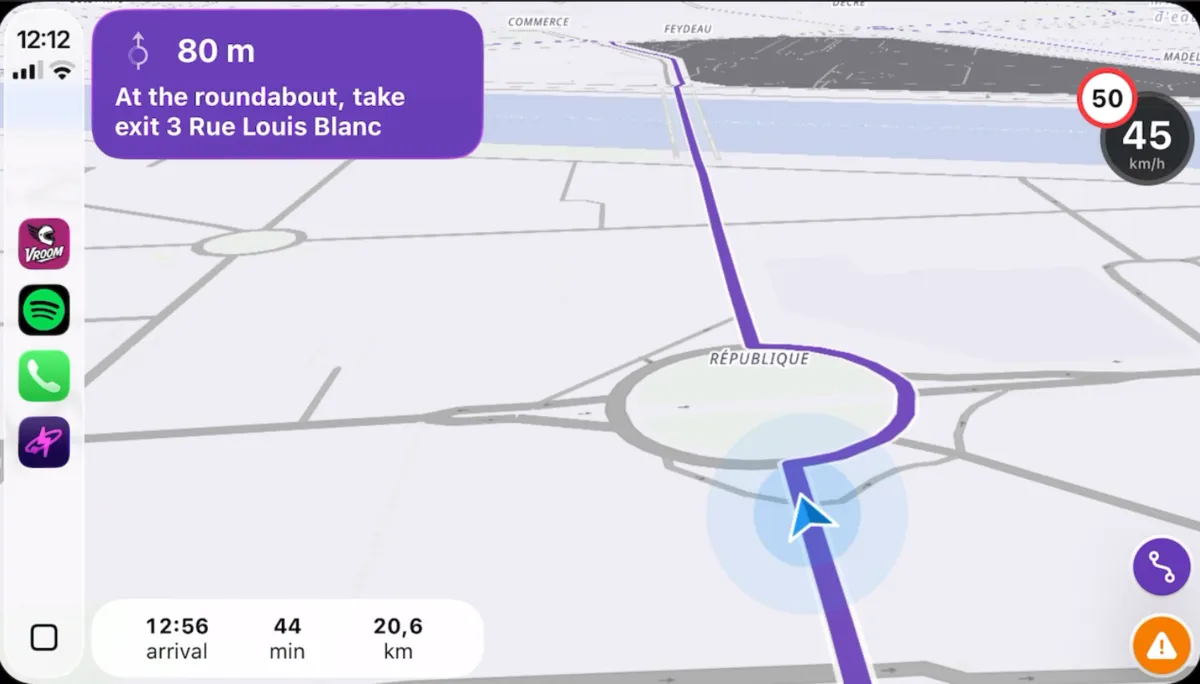
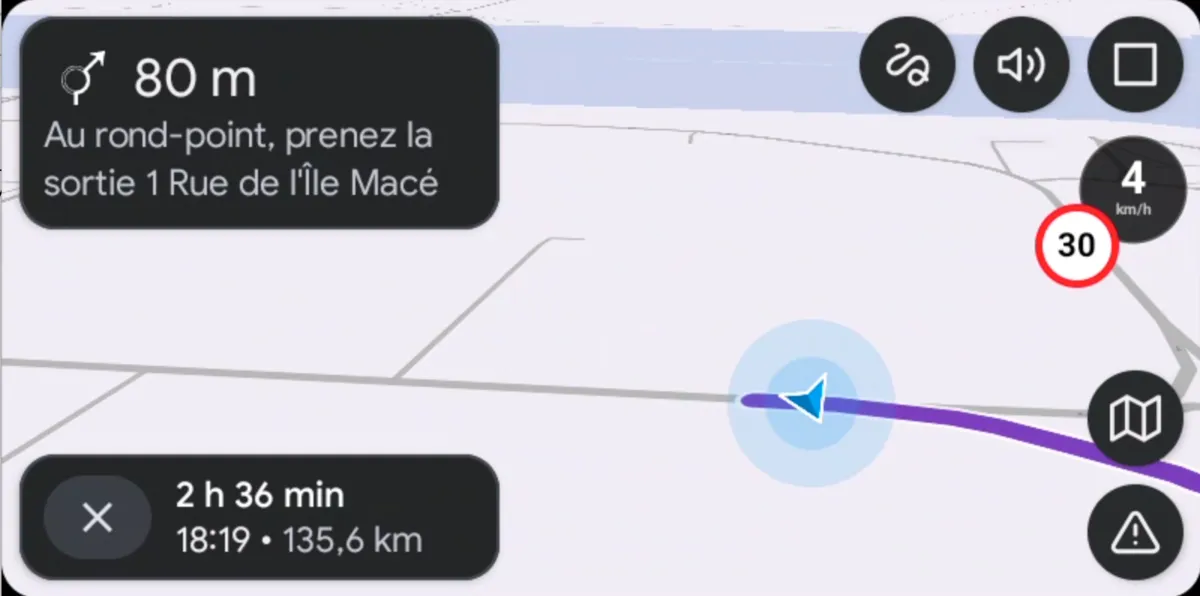
Three steps,you're riding
- 1
Connect your phone
Wired or wireless, to your bike's or car's CarPlay or Android Auto screen.
- 2
Choose your destination
On the screen, or prepare your trip on your phone beforehand.
- 3
Ride
Guidance, speed limits, alerts and your crew, all on the dashboard.
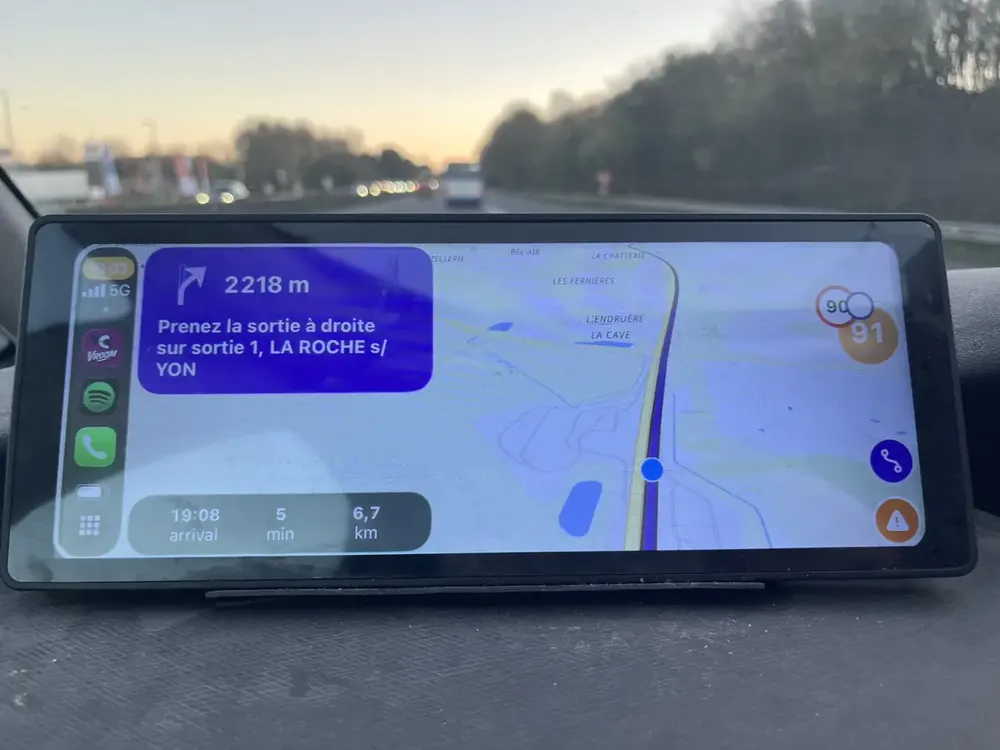
Readable,day and night
Instructions, speed limit, arrival time and remaining distance are laid out to be read at a glance, on screens mounted on the handlebars.
- Large turn instructions
- Speed and speed limit
- Day and night themes
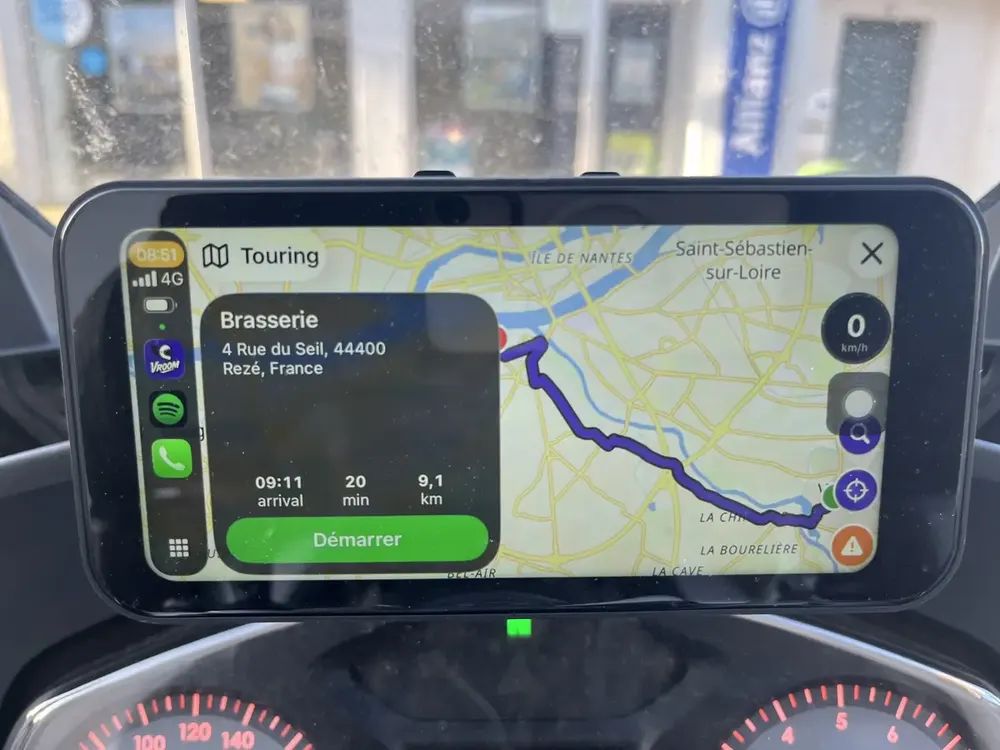
Road trips and stopson the screen
Your road trips, saved places and stops are available on the dashboard. Start a stage or a nearby stop without touching your phone.
- Saved road trips
- Stops and places nearby
- Group messages displayed
You might bewondering…
Which motorcycle screens are supported?
Any screen compatible with Apple CarPlay or Android Auto, built into the bike or added on the handlebars, as well as car screens.
Is CarPlay / Android Auto support free?
Yes, like all of Vroom GPS's features.
Can I see my group on CarPlay?
Yes, riders in your group and their messages are shown on the dashboard screen.
Everything elseVroom GPS does
Ridetogether
See your whole crew live on the map and message them in one tap.
Learn more → QuickrideGenerate a loopin 5 seconds
A distance, a direction, and a loop on the best roads around you.
Learn more → Motorcycle road tripAI builds yourroad trip
A complete multi-day road trip, stage by stage, generated in a few questions.
Learn more → Curvy roadsYour style,your routes
Four riding styles to get the curviest roads instead of the fastest.
Learn more → RoadbooksImport yourGPX tracks
Turn any GPX roadbook into turn-by-turn navigation, and export your trips.
Learn more → SafetyRoad alertsin real time
Report hazards in one tap and get the alerts other riders share.
Learn more → Group ride safetyRide together,ride safe
The whole group live on the map, and your QRful emergency sheet within reach of first responders.
Learn more →Ready toride?
Install Vroom GPS and find your next ride this weekend.