Guide · Android Auto
Safeand sound
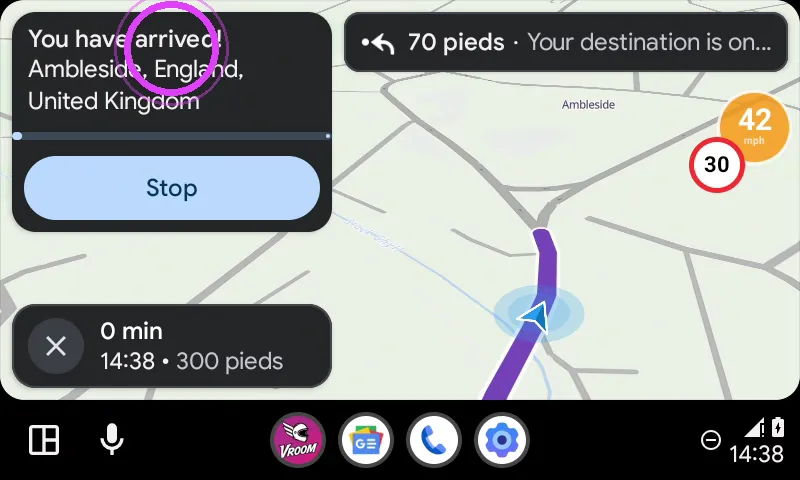
Guidance takes you all the way: the bike screen tells you when you arrive.
Break-in
Tested with Vroom GPS v2.2.3
Step by step ↓
Step by step
Followthe guide
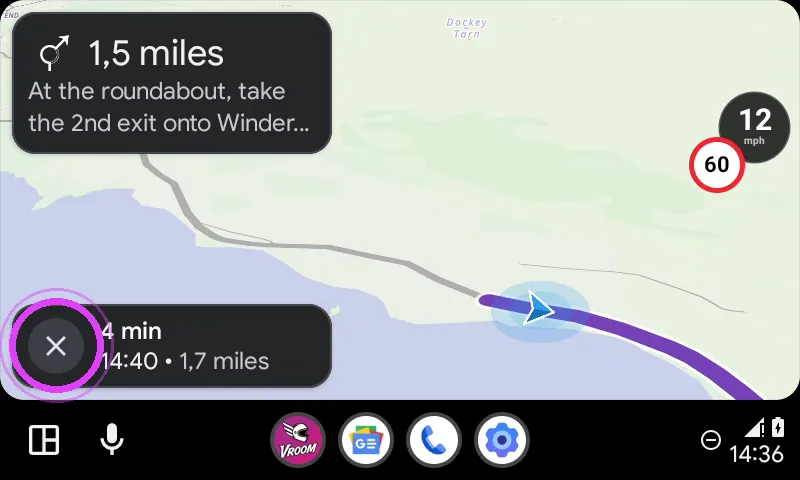
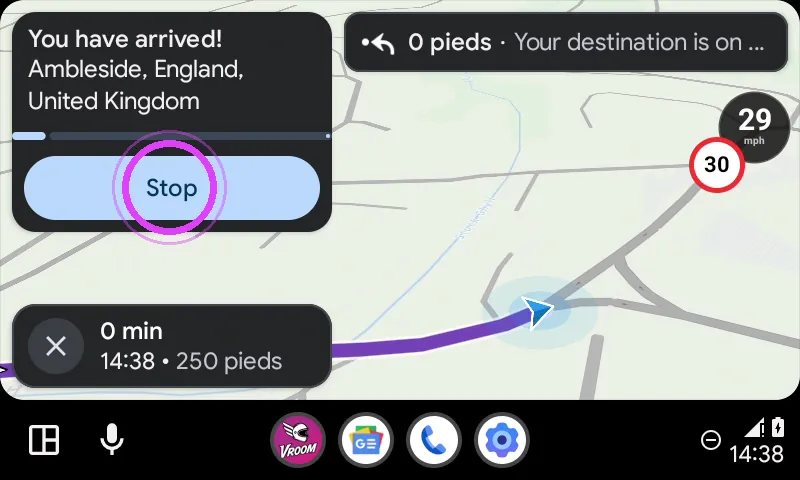
Tap Stop to end navigation. You can also stop it at any time with the cross, at the bottom left.
-
1
The cross to stop
On the way, the cross at the bottom left stops navigation at any time.
-
2
You've arrived
At your destination, the screen tells you that you have arrived.
-
3
Tap Stop
Tap Stop: navigation is over.
-
4
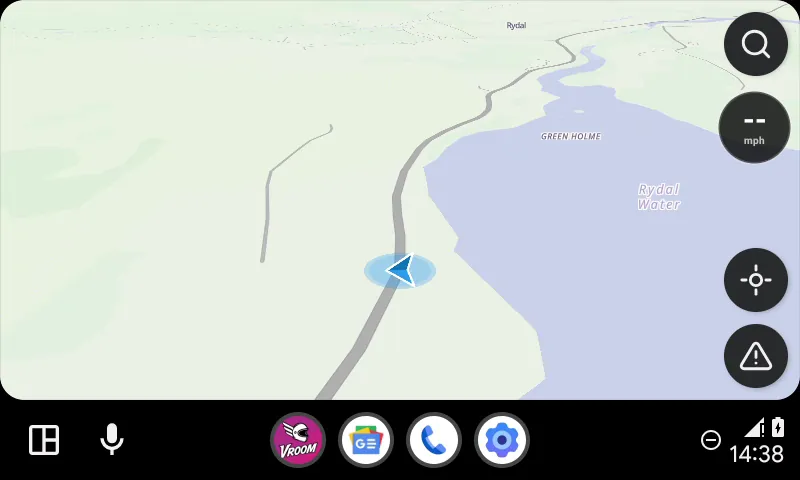
Enjoy your stop
Enjoy your stop!
← Vroom GPS guidesNext guide: Do you need to keep Vroom open on your phone with Android Auto? →
Not onVroom GPS yet?
Get the free app: voice guidance, speed cameras, curvy roads and CarPlay, no subscription.