Guide · Android Auto
Phonein your pocket
No need to keep Vroom open: guidance carries on on the bike screen.
Break-in
Tested with Vroom GPS v2.2.3
Step by step ↓
Step by step
Followthe guide
Leave the app, open another one or lock your phone: the map, the instructions and the voice carry on. Reopen Vroom whenever you like.
-
1
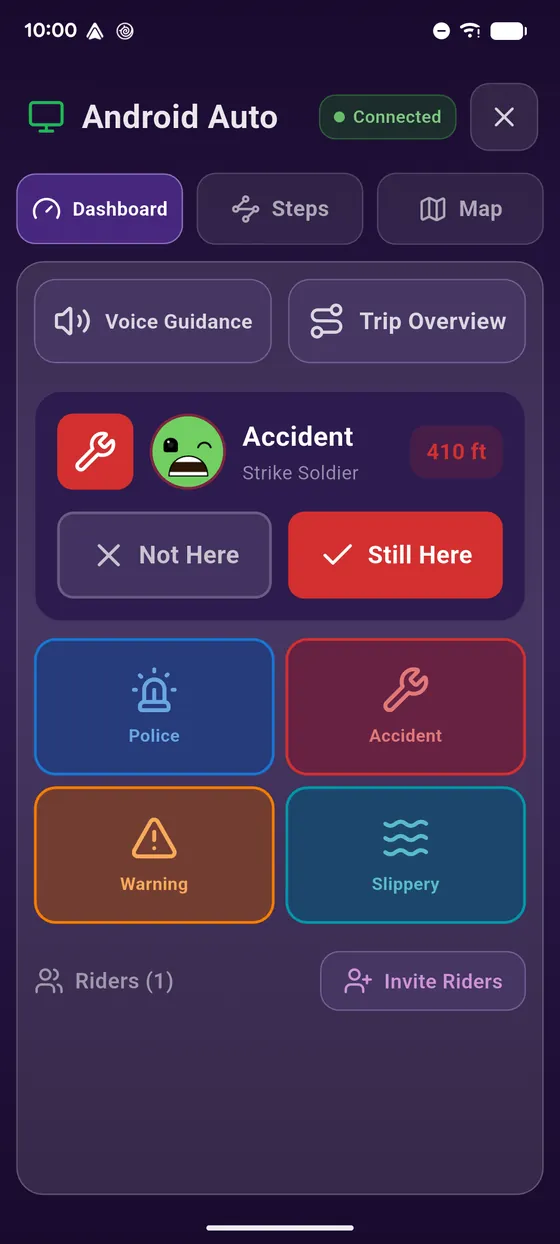
Navigating on the bike
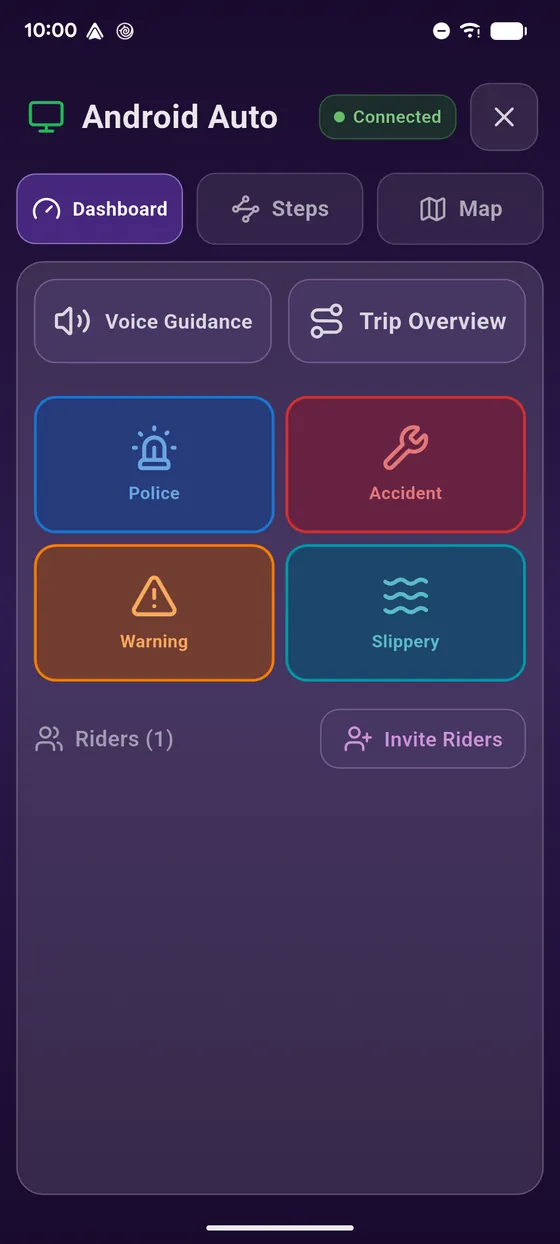
Navigation runs on the bike screen.
-
2
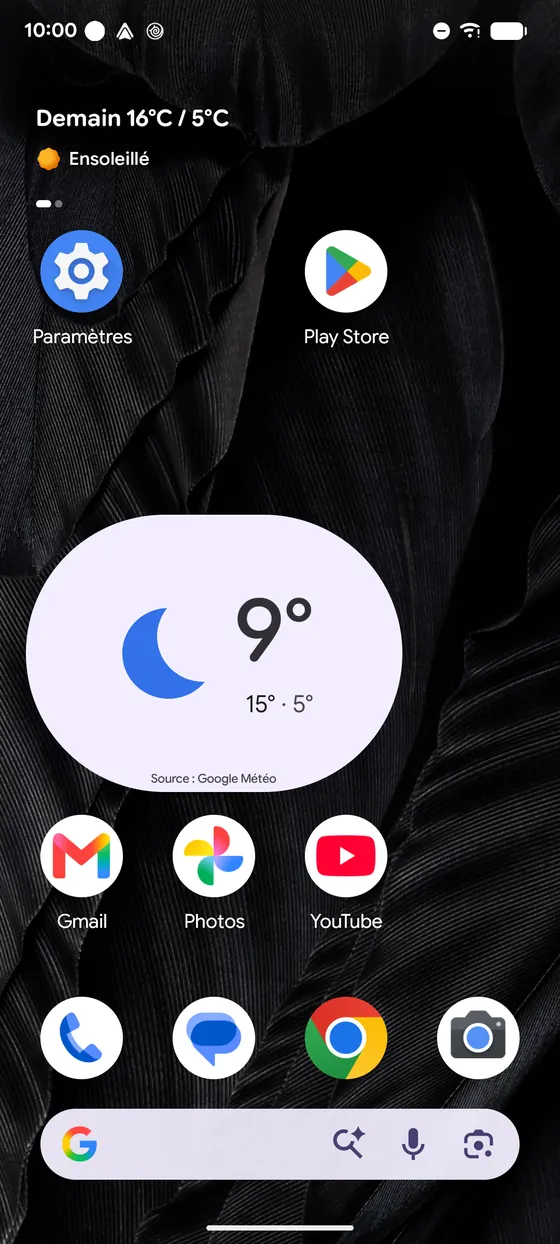
Leave Vroom
Leave Vroom or open another app: guidance carries on.
-
3
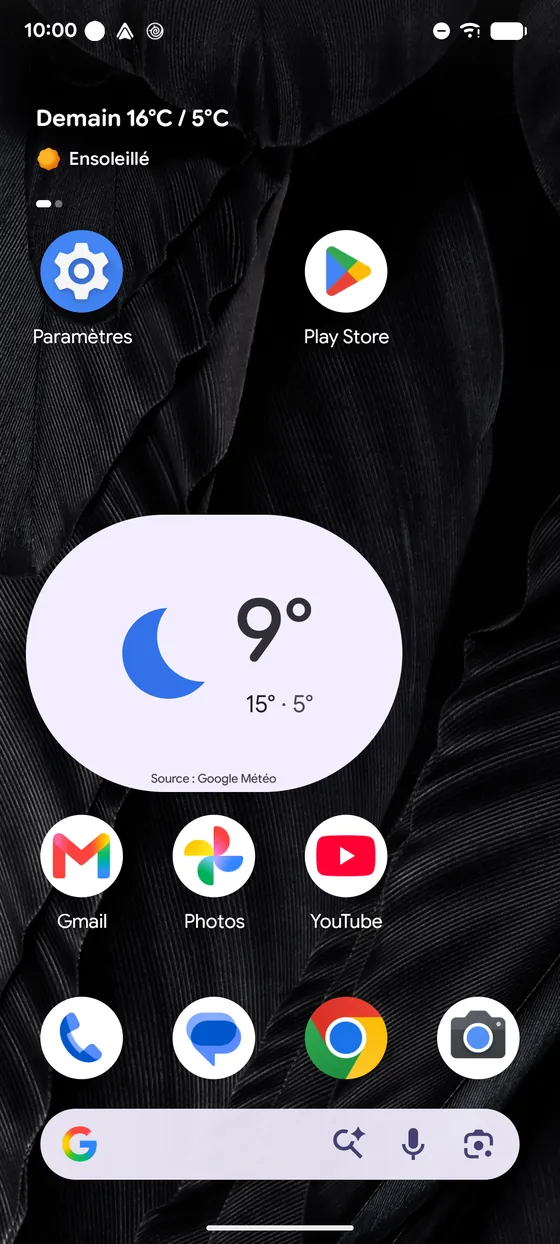
Phone in your pocket
Phone locked in your pocket? Same: the map and the voice carry on.
-
4
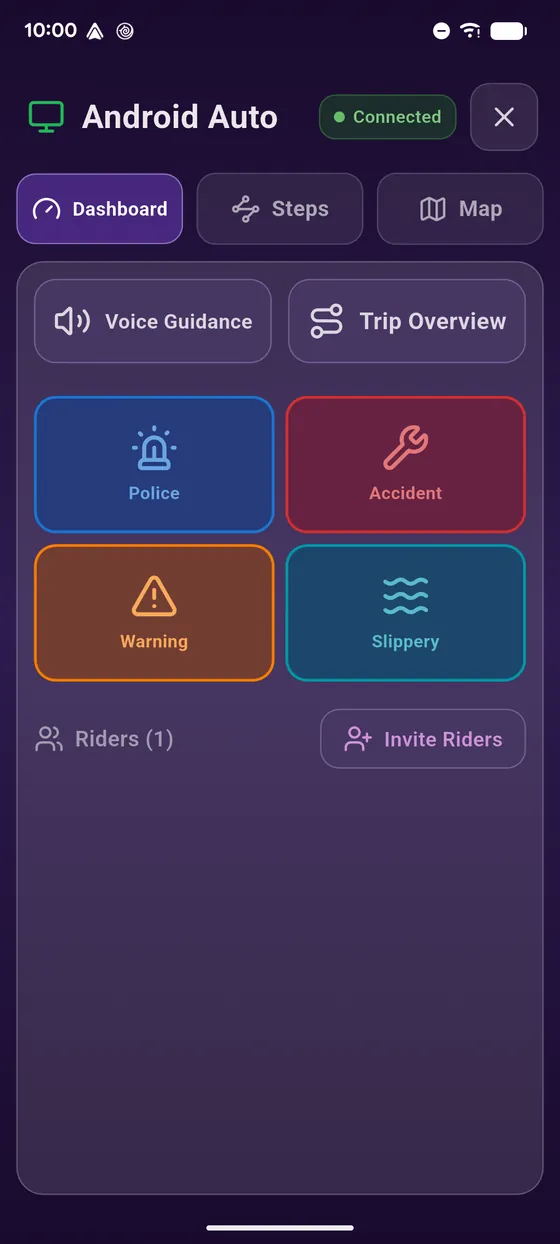
Reopen Vroom
Reopen Vroom whenever you like: your navigation is right there.
-
5
Enjoy the ride
Enjoy the ride!
← Vroom GPS guidesNext guide: Resume an interrupted navigation on Android Auto →
Not onVroom GPS yet?
Get the free app: voice guidance, speed cameras, curvy roads and CarPlay, no subscription.