Guide · Crew
A ridewith your crew
Leaving now? Invite your crew in three screens: everyone starts the ride from the crew page, and you ride on the same route.
Cruising
Tested with Vroom GPS v2.1.21
Step by step ↓
Step by step
Followthe guide
Your friend missed the notification? They open their Profile, tap the crew, then Start the ride.
-
1
Where?
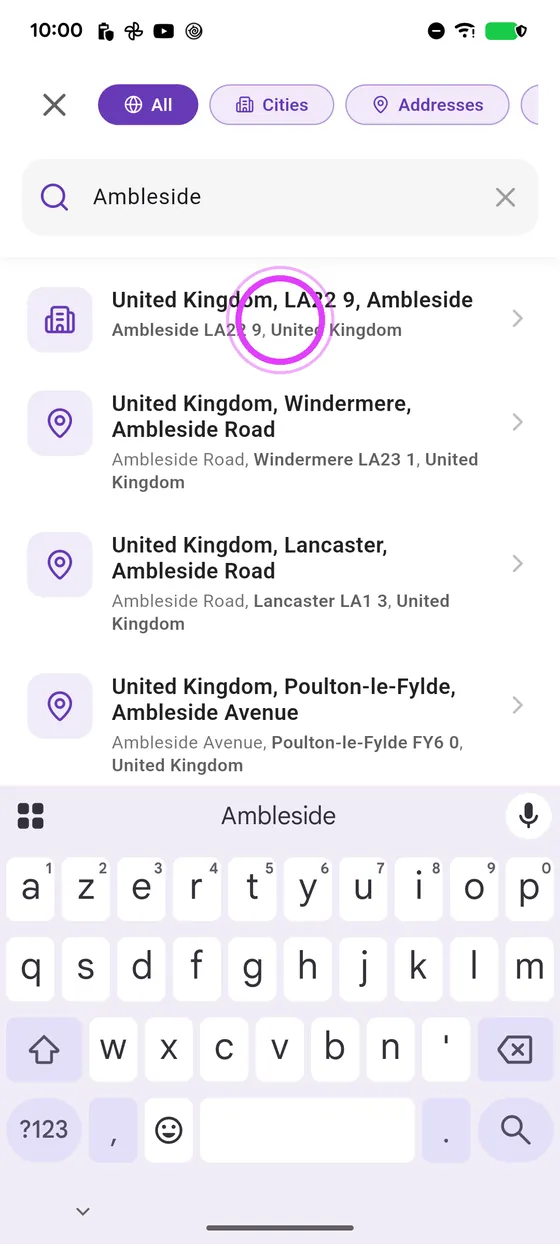
Tap Organise, then pick the destination.
-
2
Now, with your crew
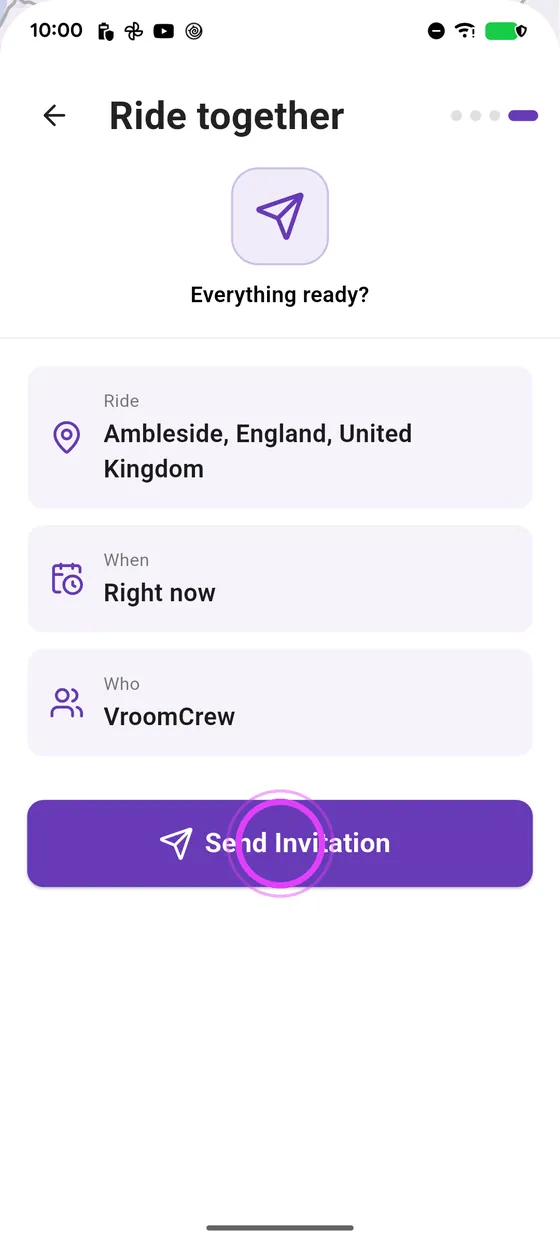
Now, with your crew: send the invitation.
-
3
Start
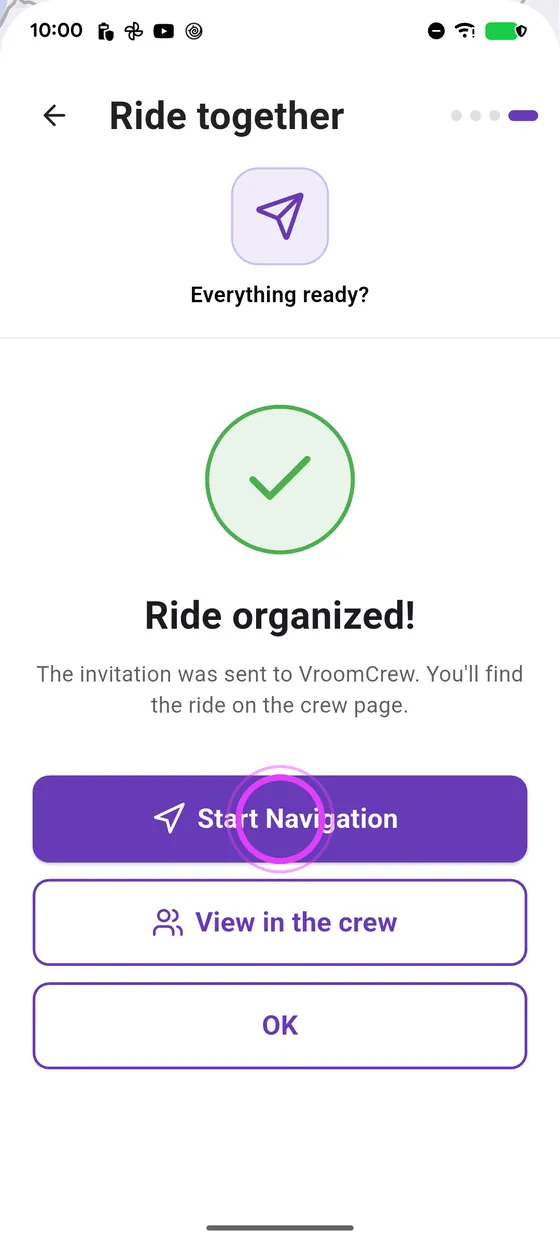
Start navigating: the crew is told.
-
4
Your friend starts
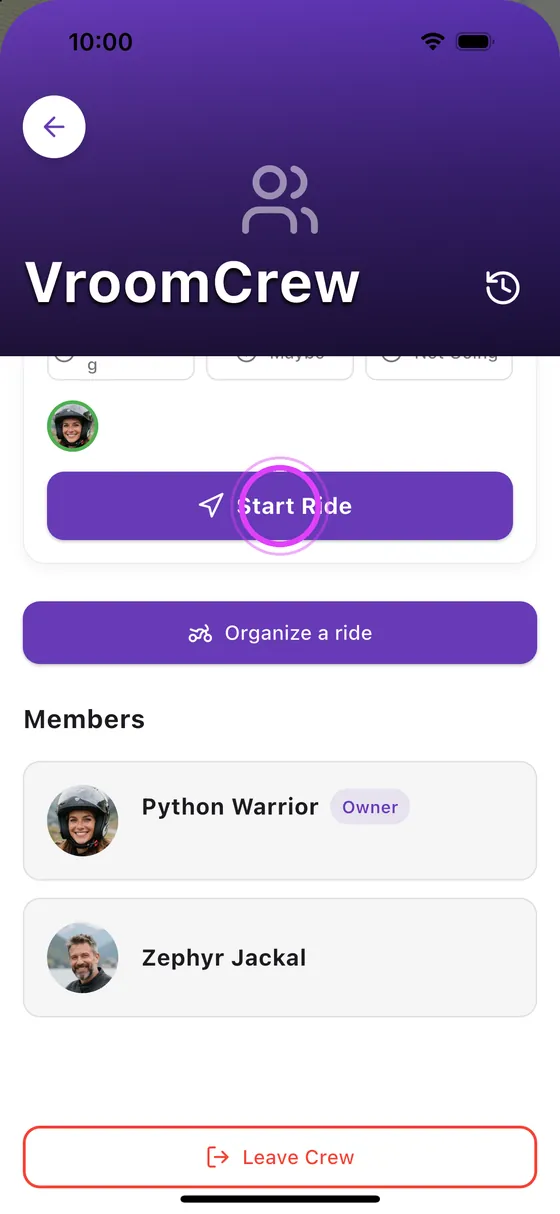
Your friend opens their profile, taps the crew, then Start the ride.
-
5
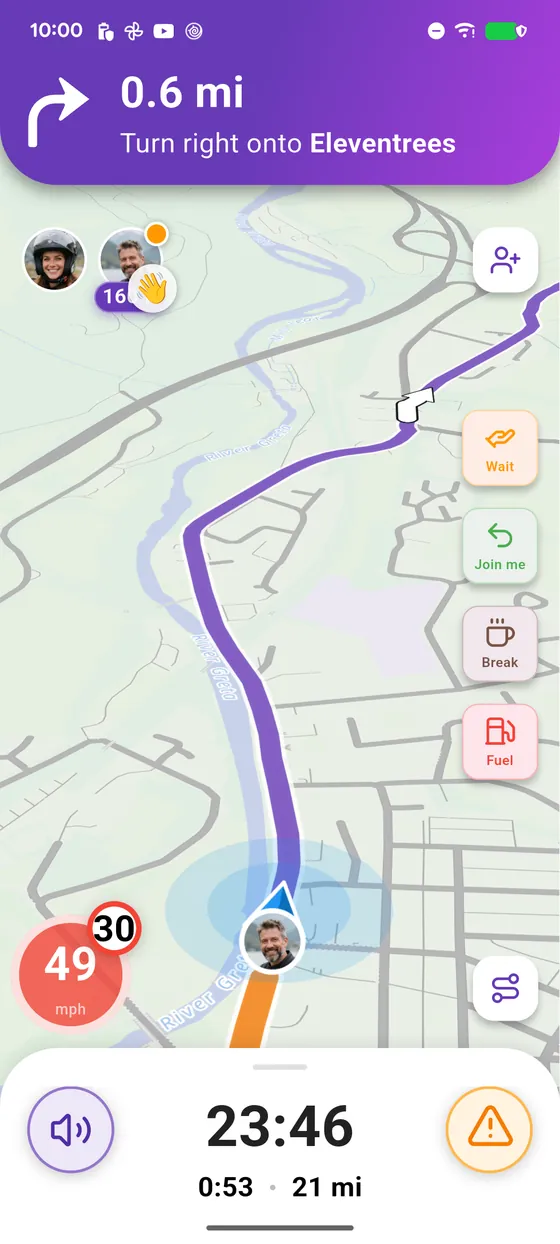
Riding together
You are on the same route, each of you sees the other.
-
6
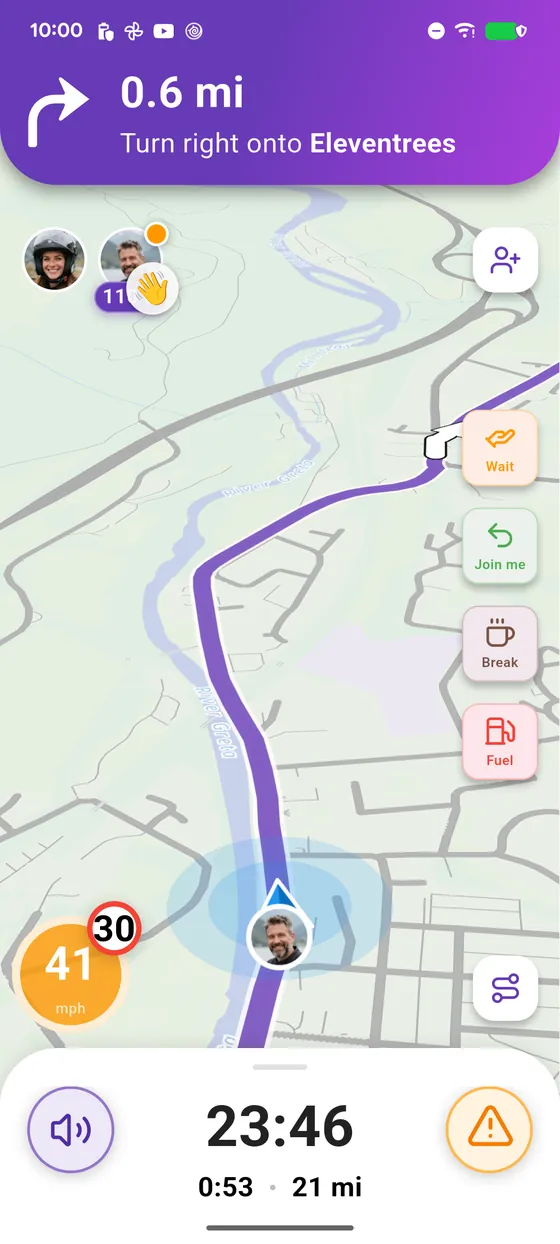
Enjoy the ride
Enjoy the ride with your crew.
← Vroom GPS guidesNext guide: See your road trip details on the car screen →
Not onVroom GPS yet?
Get the free app: voice guidance, speed cameras, curvy roads and CarPlay, no subscription.