Guide · Android Auto
Your stopson the move
Your breaks, your stops and the finish, at a glance on the car screen.
Cruising
Tested with Vroom GPS v2.1.22
Step by step ↓
Step by step
Followthe guide
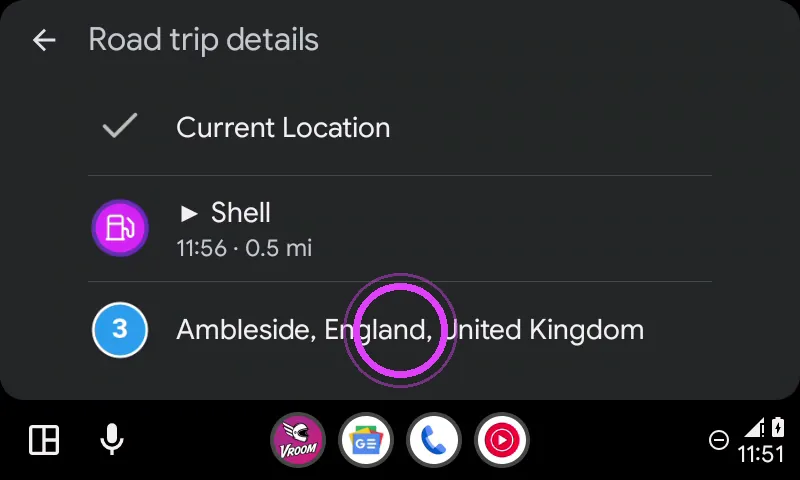
Past stops are ticked, the current one has an arrow. Want to skip a stop? Go straight to the next one.
-
1
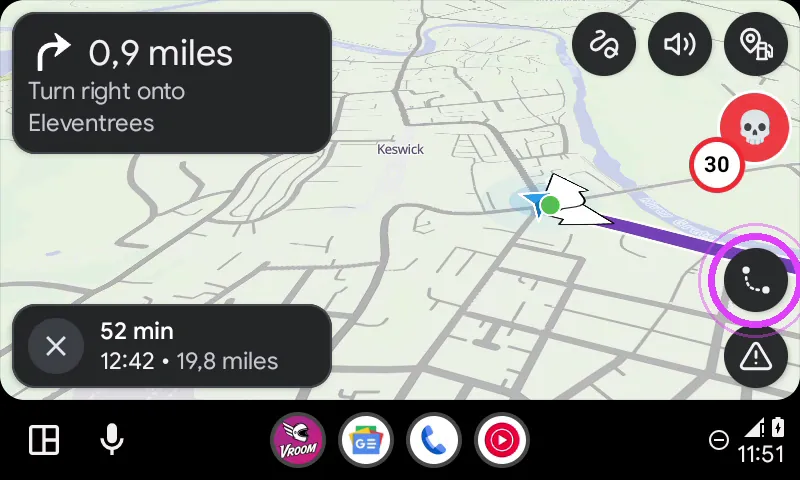
Tap Overview
Tap the Overview button on the right: the whole route shows up.
-
2
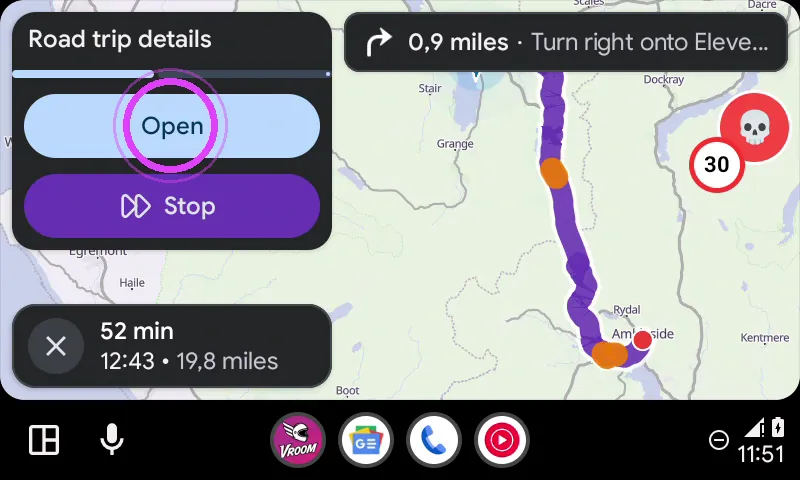
Open the details
Tap Open on the Road trip details banner.
-
3
All your stops
Past stops are ticked, the current one is marked. Tap a stop to go there.
-
4
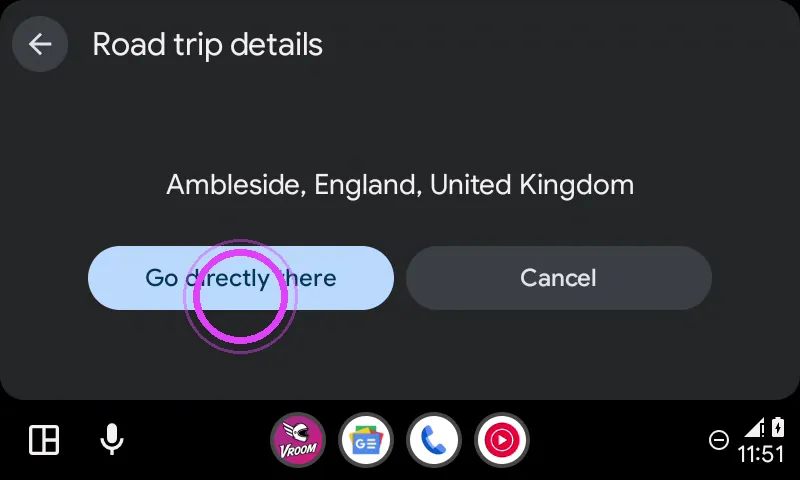
Go straight there
Tap Go directly there: guidance takes you there and skips the stops before it.
-
5
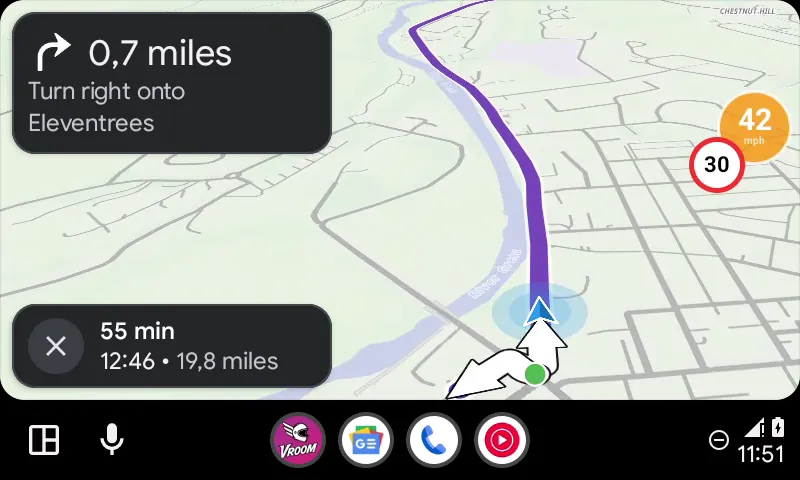
Enjoy the ride
Enjoy the ride!
← Vroom GPS guidesNext guide: The phone companion screen during navigation →
Not onVroom GPS yet?
Get the free app: voice guidance, speed cameras, curvy roads and CarPlay, no subscription.