Guide · Android Auto
A quick stopon your way
Running low on fuel or getting hungry: Vroom finds the stop on your route in two taps.
Break-in
Tested with Vroom GPS v2.1.22
Step by step ↓
Step by step
Followthe guide
Fuel, food or a place to sleep: right now, or 20, 40, 60 or 80 km ahead on your route.
-
1
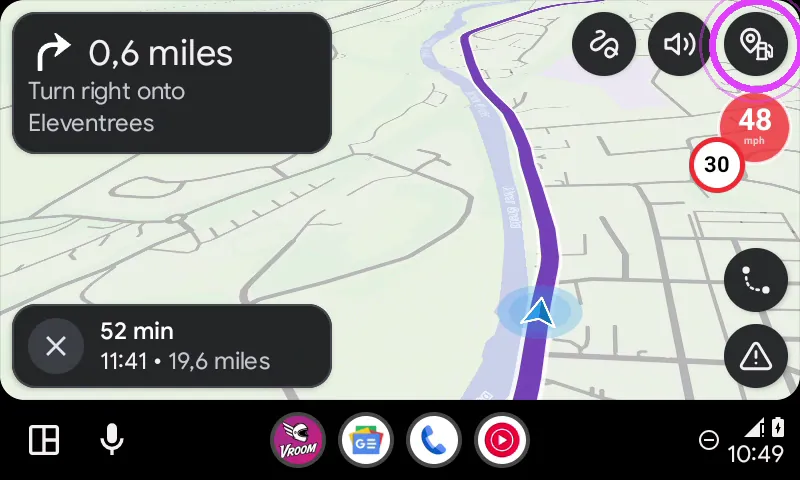
Tap the fuel pump
Tap the fuel pump button, top right.
-
2
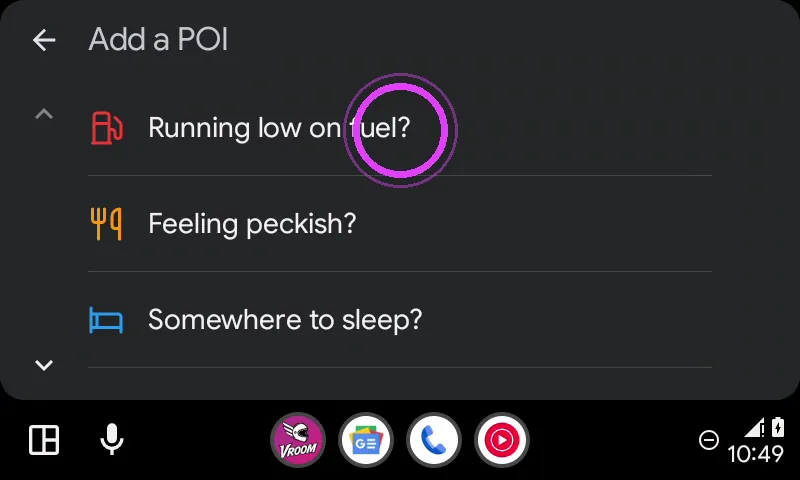
Pick the type
Fuel, food or a place to sleep: pick what you need.
-
3
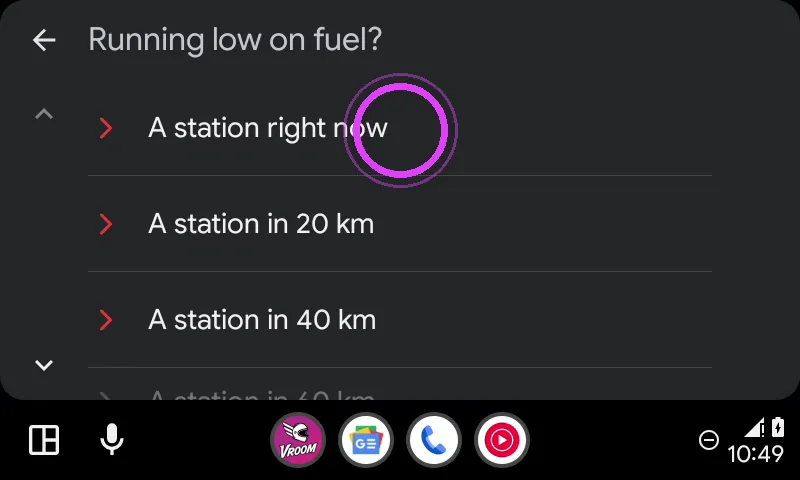
Now or further on
A station right now, or further along your route.
-
4
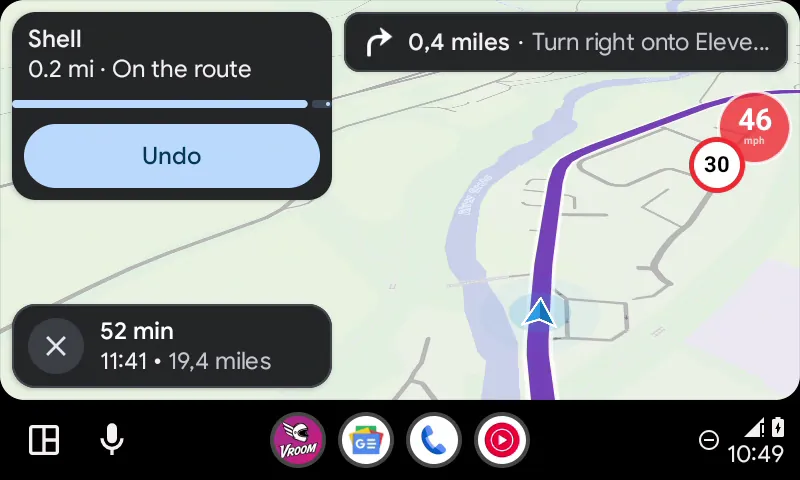
It's on your route
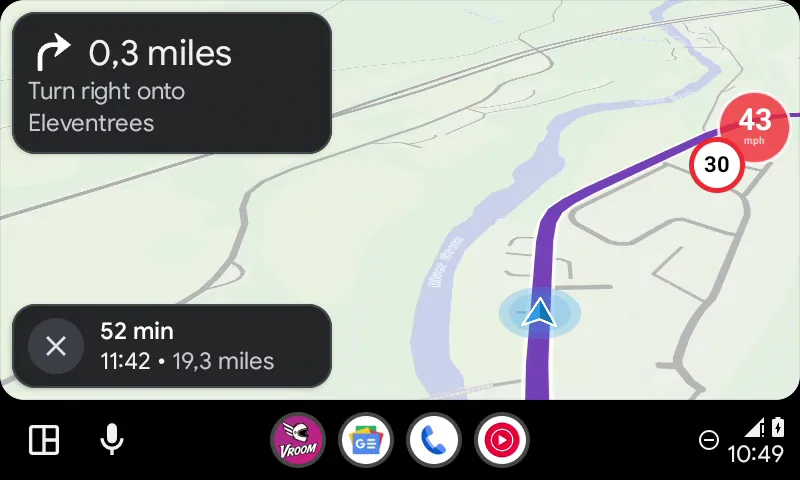
The station is added to your route: guidance takes you there.
-
5
Fill up and ride on
Fill up and enjoy the ride!
← Vroom GPS guidesNext guide: Report a hazard from the car screen →
Not onVroom GPS yet?
Get the free app: voice guidance, speed cameras, curvy roads and CarPlay, no subscription.