Reporta hazard
An accident, gravel, a slippery road? Report it in two taps: the alert shows up for every rider coming that way.
Tested with Vroom GPS v2.1.22
Step by step ↓Followthe guide
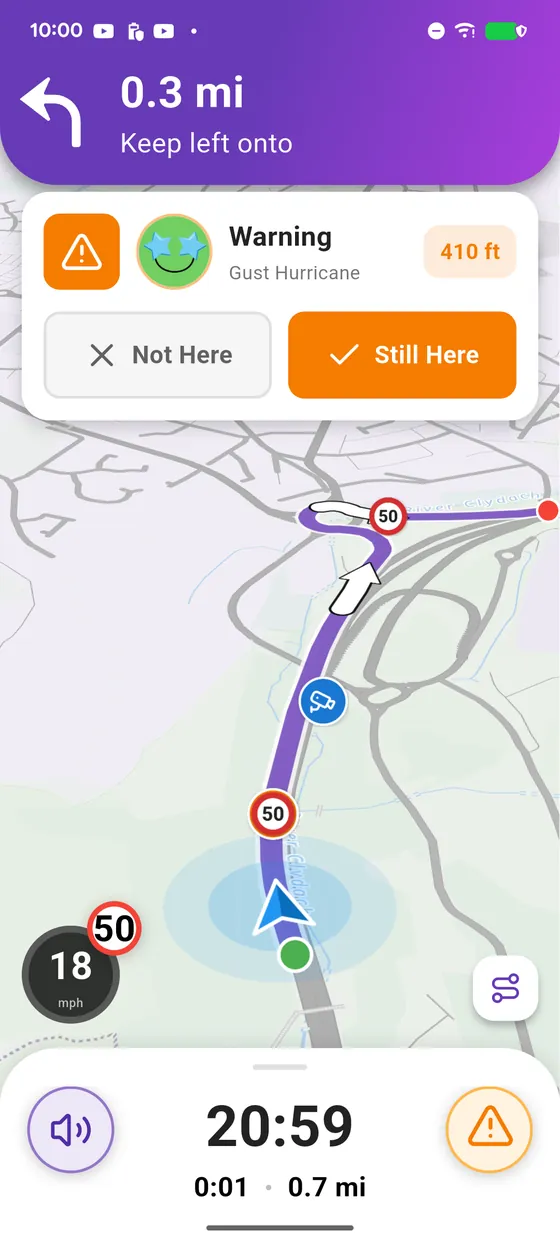
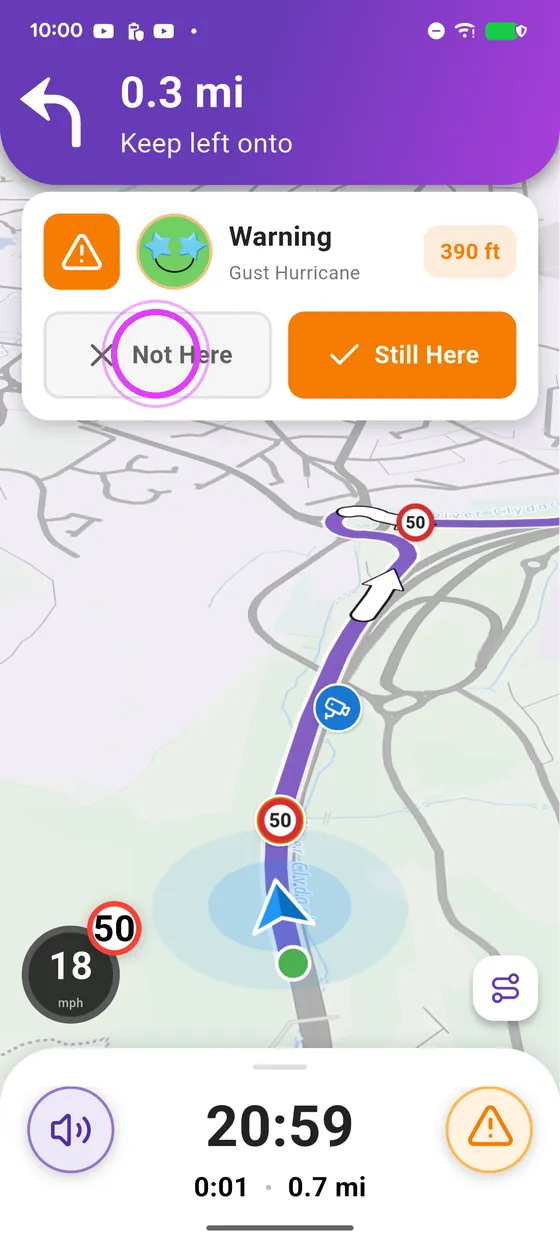
When you get close to an alert on a guided ride, Vroom asks whether it is still there: "Not Here" removes it for everyone.
-
1
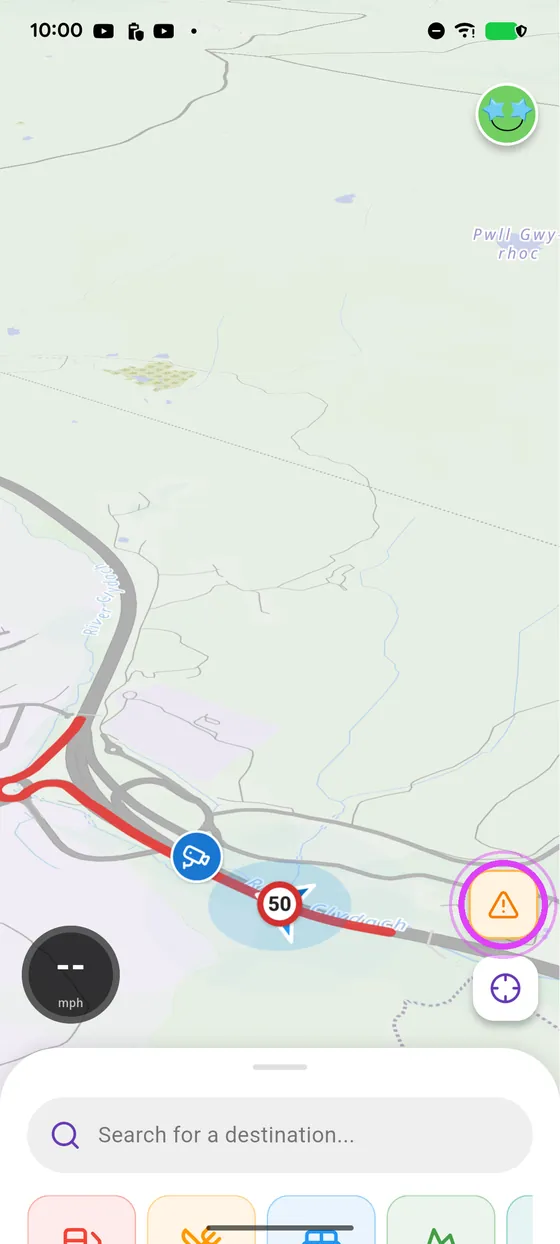
Tap the alert button
Tap the orange button, above the location button.
-
2
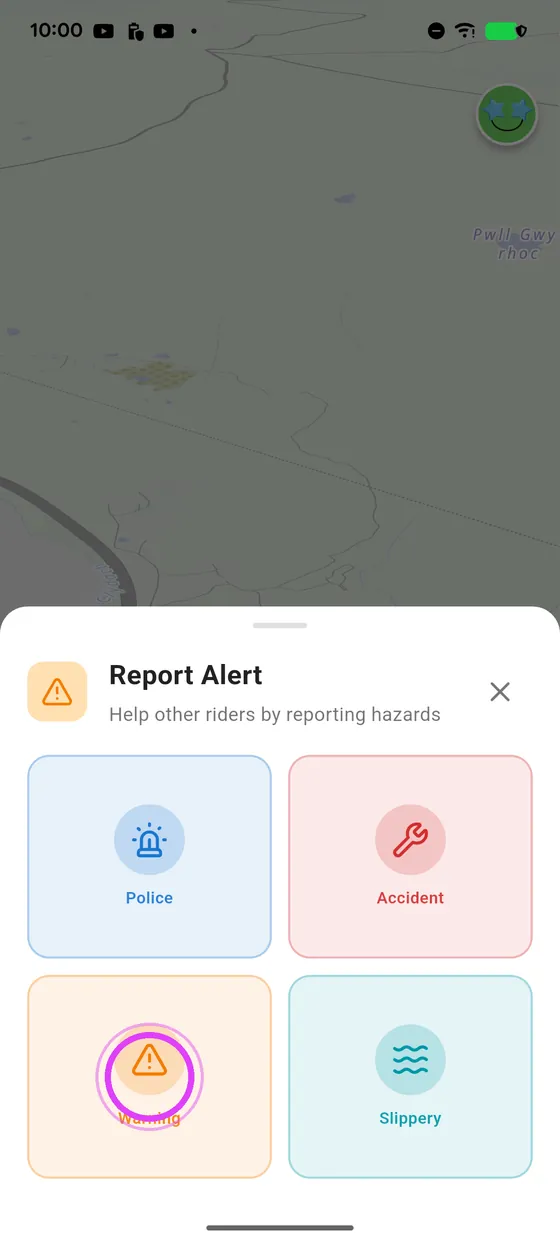
Pick the type of hazard
Pick the type of hazard: it's reported, right where you are.
-
3
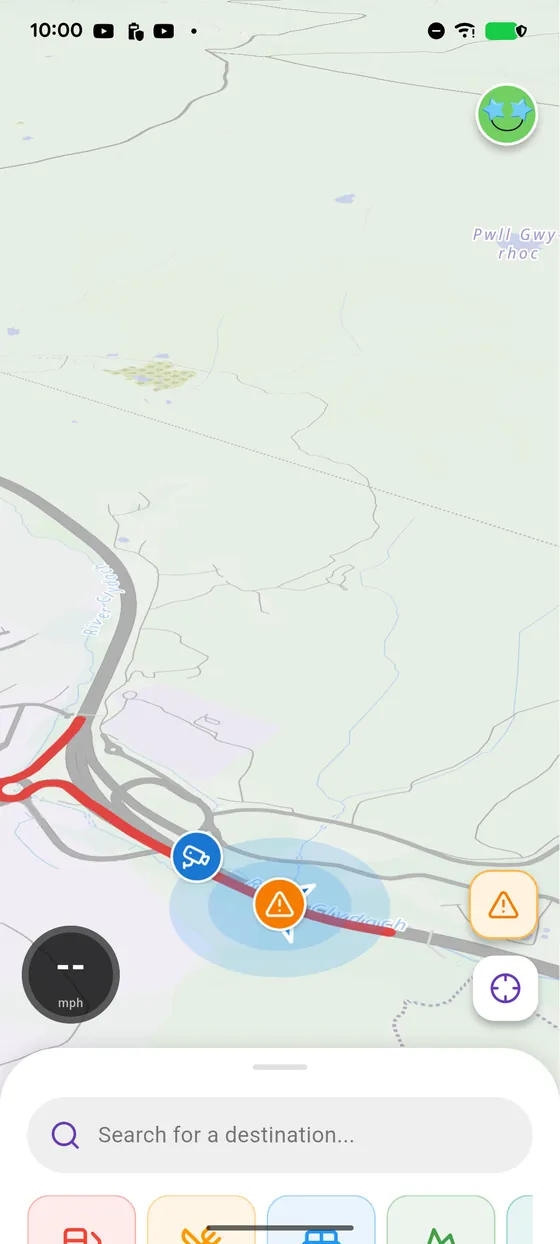
Seen by everyone
The alert shows up on the map of every rider coming that way.
-
4
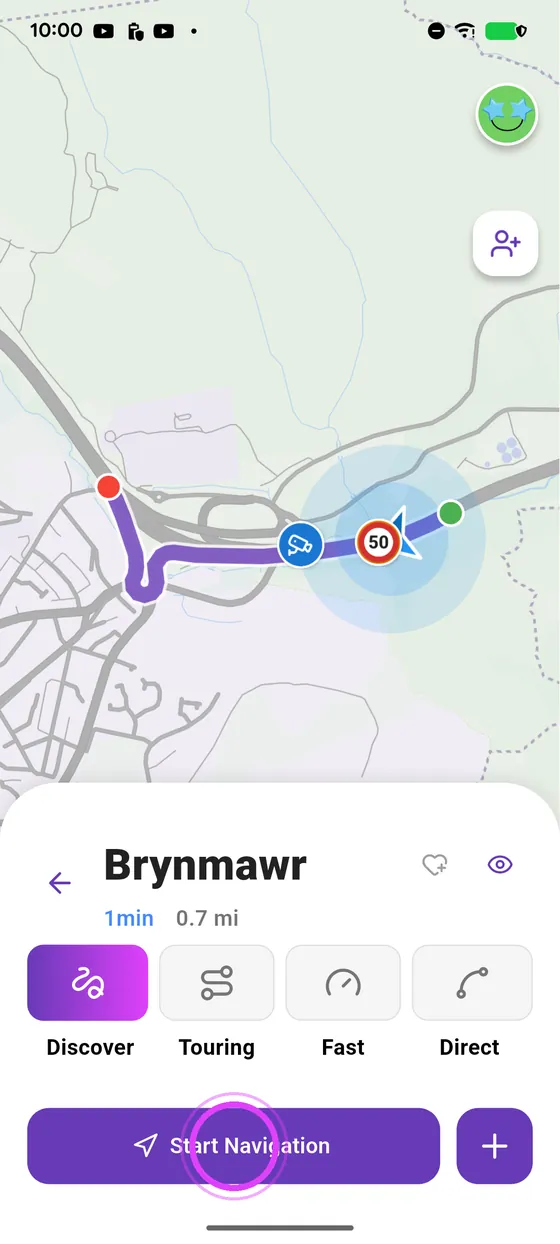
A rider gets close
Later, another rider guided by Vroom heads toward the alert.
-
5
Still there?
Vroom asks whether the hazard is still there.
-
6
Not Here: alert removed
Nothing there any more? Not Here: the alert disappears for everyone.
← Vroom GPS guidesNext guide: Create a motorcycle loop ride with Quick ride →
Not onVroom GPS yet?
Get the free app: voice guidance, speed cameras, curvy roads and CarPlay, no subscription.