Guide · Settings
Notificationsyour way
Crew invitations, yes; the rest is up to you. It is all in one place, in two taps.
Break-in
Tested with Vroom GPS v2.1.14
Step by step ↓
Step by step
Followthe guide
Switching off News & tips never blocks invitations or replies from your crew.
-
1
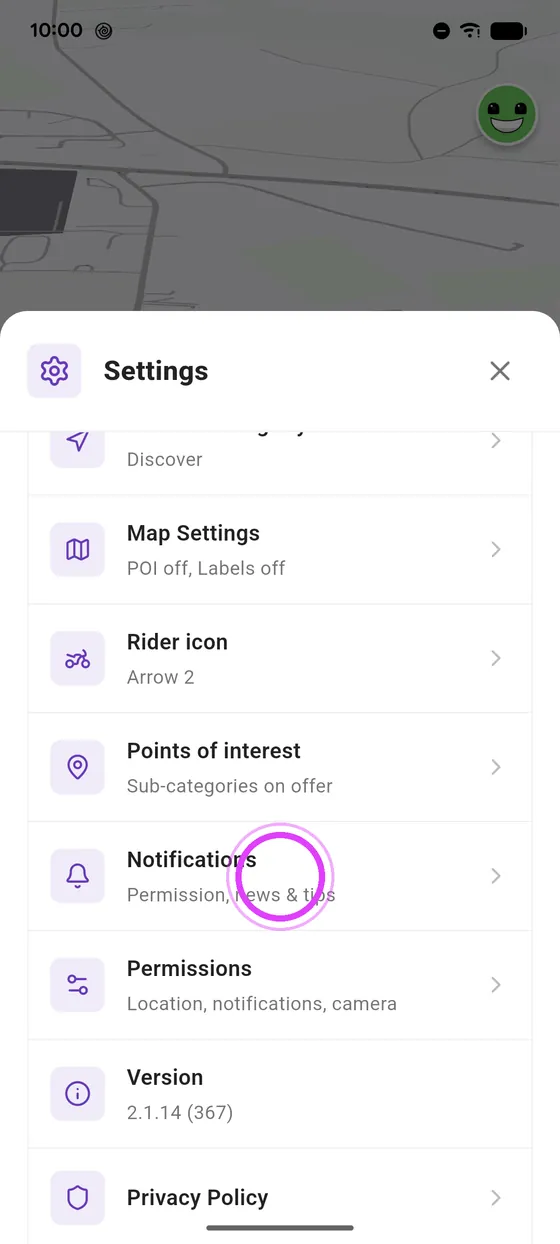
Open Notifications
In settings, tap Notifications.
-
2
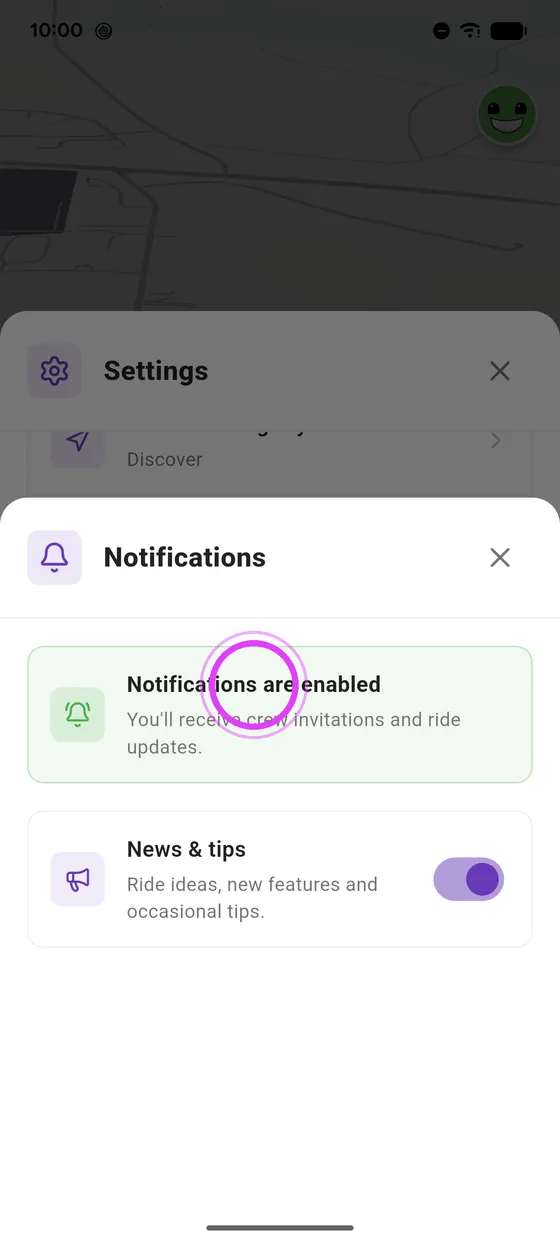
Green: all set
Green card: you get your crew invitations. If not, one button turns them on.
-
3
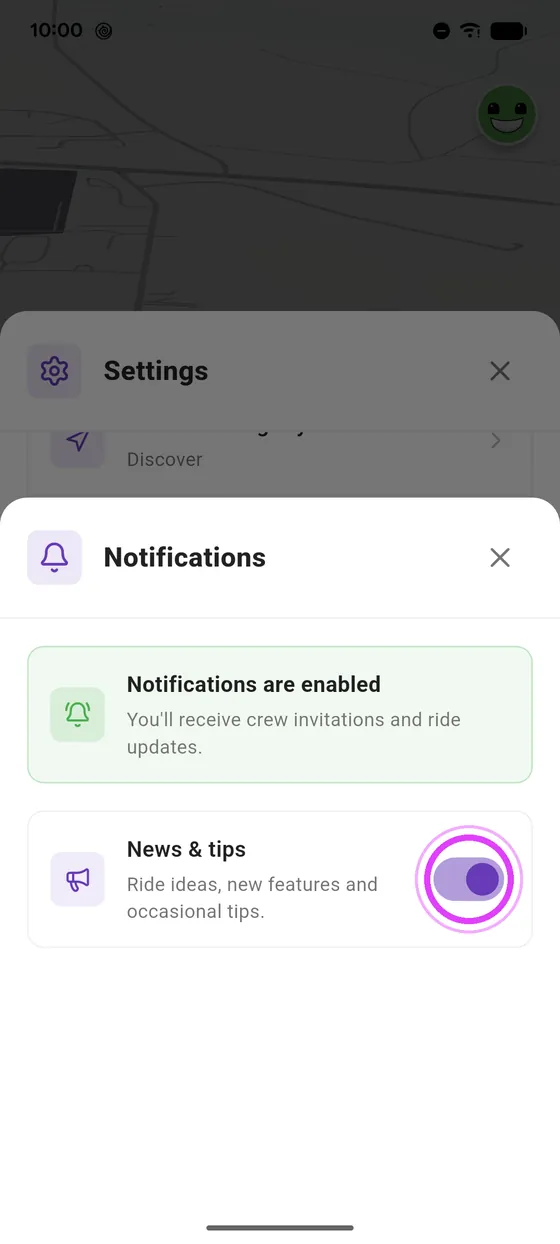
Switch off News & tips
Fewer messages? Switch off News and tips.
-
4
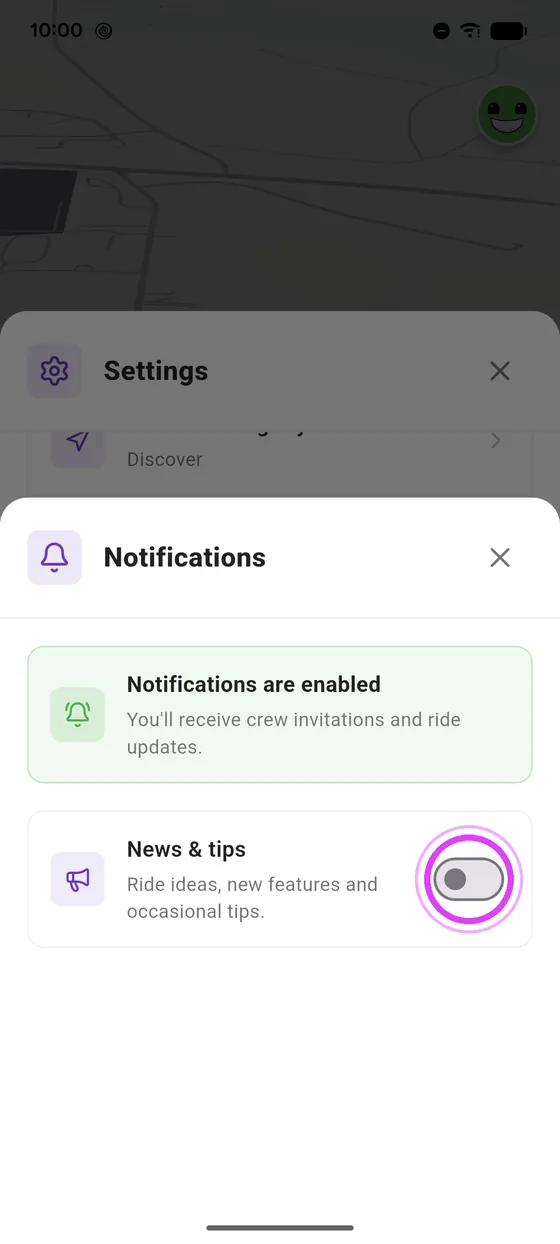
Your crew still gets through
Your crew invitations still come through. Switch it back on any time.
← Vroom GPS guidesNext guide: Choose your riding style: Discover, Touring, Fast or Direct →
Not onVroom GPS yet?
Get the free app: voice guidance, speed cameras, curvy roads and CarPlay, no subscription.