Guide · Riding styles
Chooseyour riding style
Discover, Touring, Fast, Direct: the same trip can give four very different routes. Here is what each style is for.
Step by step ↓
Step by step
Followthe guide
You can also set the style used by default in Settings → Default Riding Style.
-
1
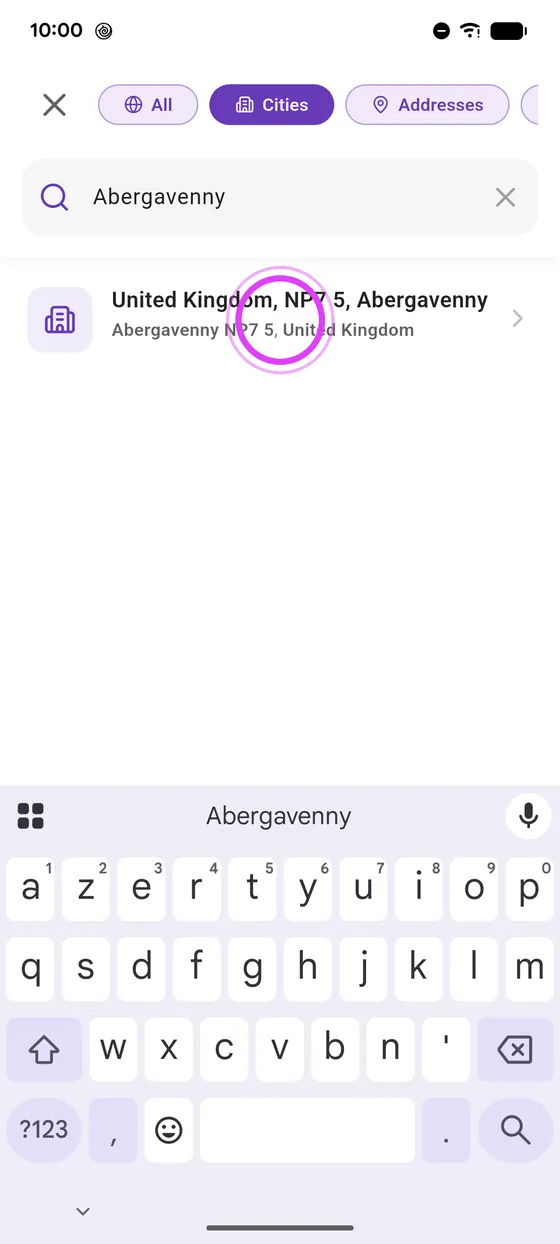
Search for your destination
Search for your destination as usual.
-
2
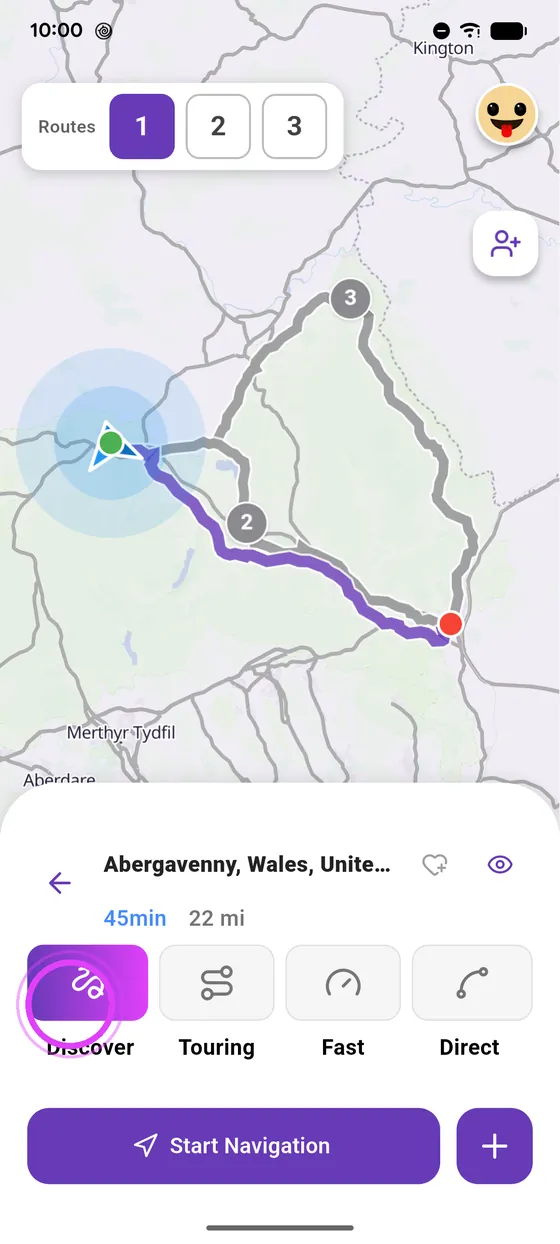
Discover
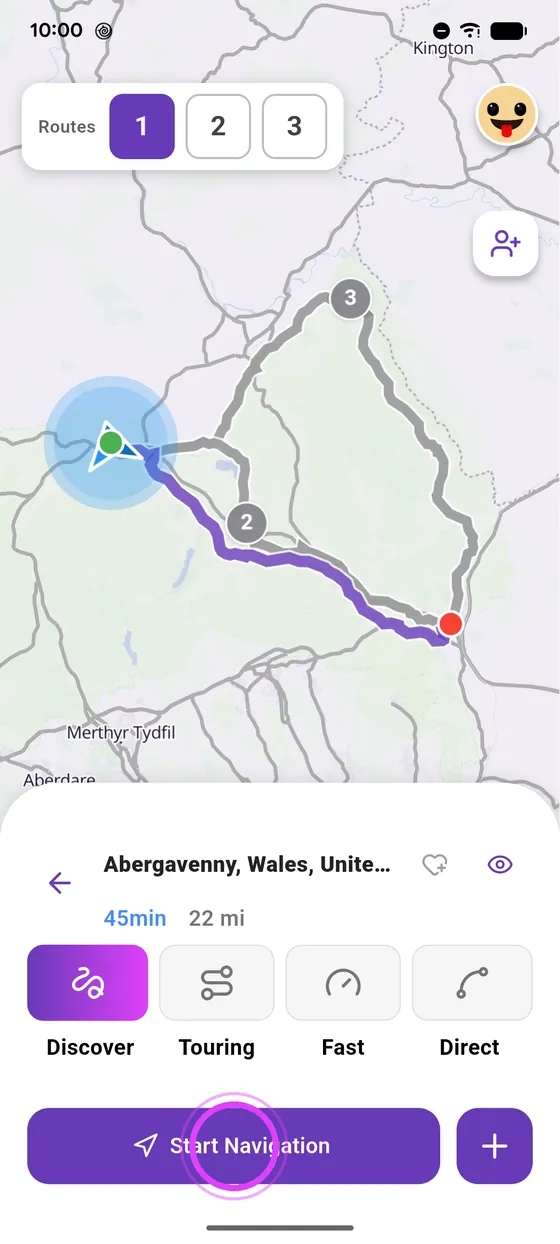
Discover, the default style, looks for curvy roads and great scenery.
-
3
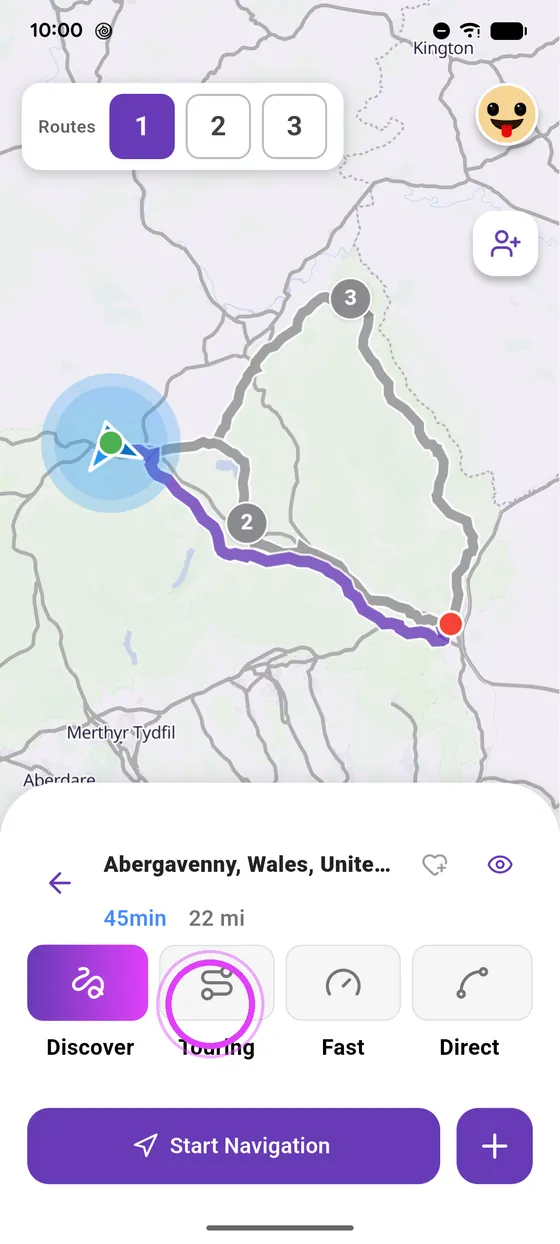
Touring
Touring favours scenic roads, with no motorways.
-
4
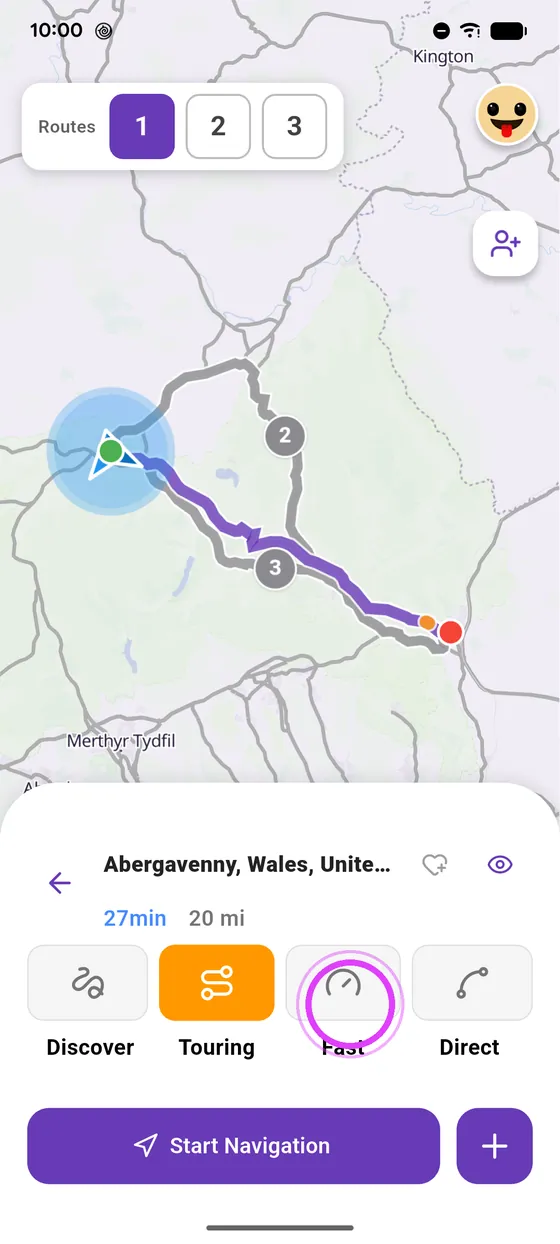
Fast
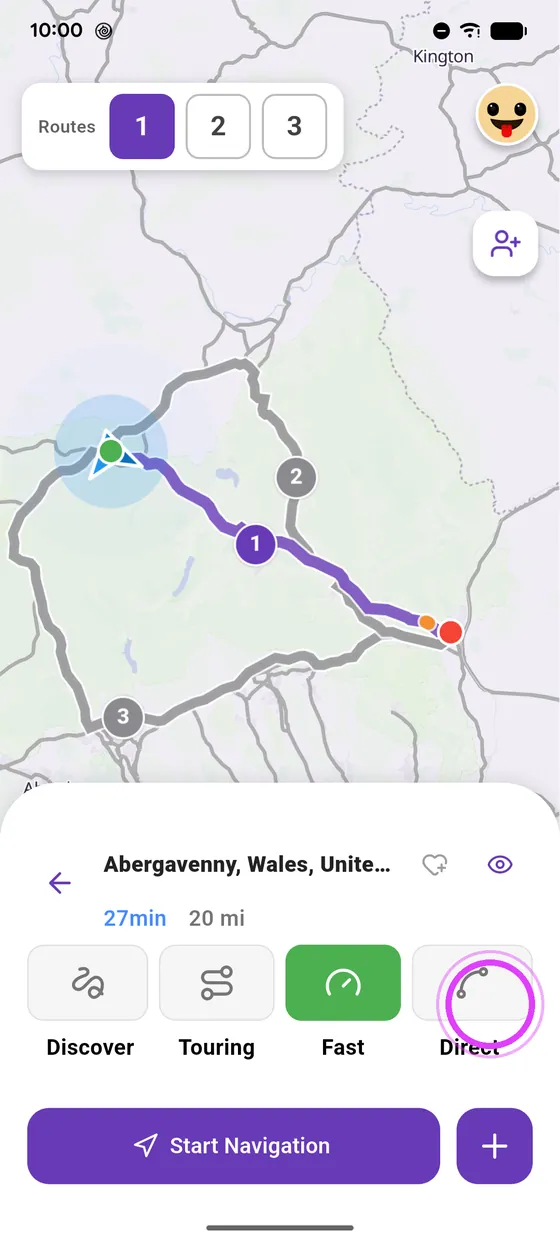
Fast takes the quickest way, motorways included.
-
5
Direct
Direct goes the most direct way, small roads included.
-
6
Pick one and go
Pick the one that suits you, and start navigation.
Not onVroom GPS yet?
Get the free app: voice guidance, speed cameras, curvy roads and CarPlay, no subscription.