Guide · Useful places
Fuel, foodparking: nearby
Running low on fuel or getting hungry? The chips under the search bar show useful places around you.
Step by step ↓
Step by step
Followthe guide
Tap a place on the map to see its details and ride there.
-
1
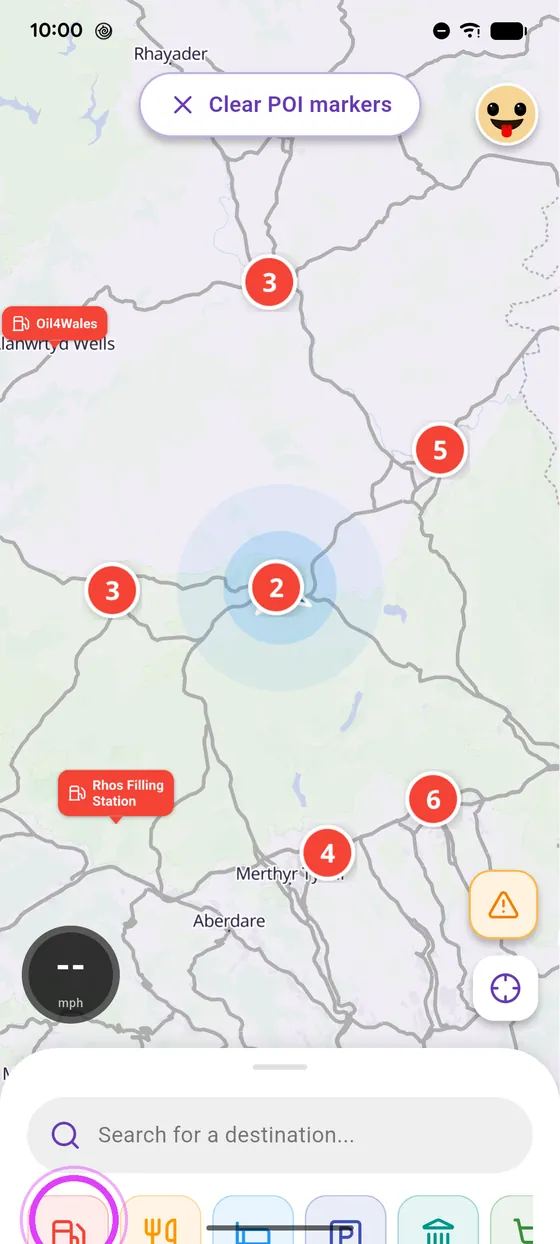
Petrol stations
Tap the fuel chip under the search bar: stations around you appear.
-
2
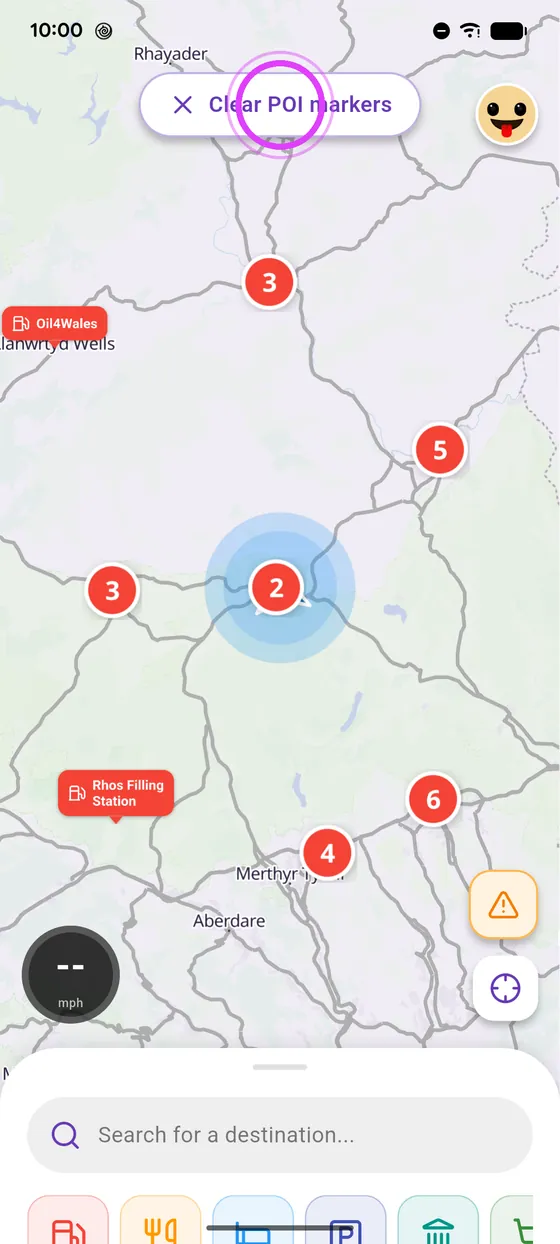
Clear the map
Tap the Clear button to clean up the map.
-
3
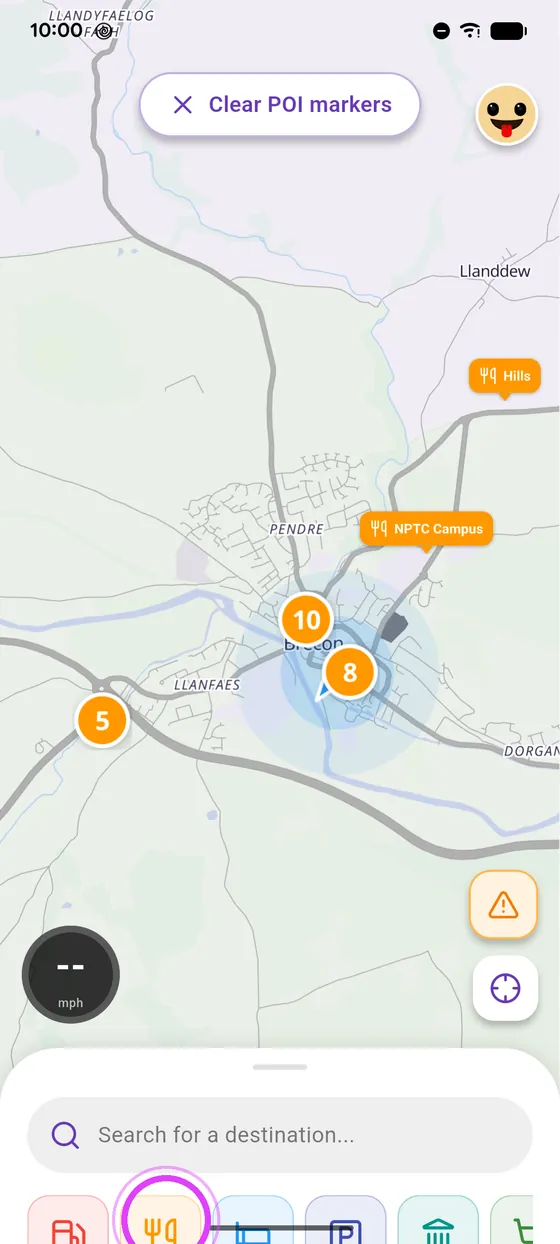
Restaurants, hotels, parking
Same idea for restaurants, hotels or parking.
-
4
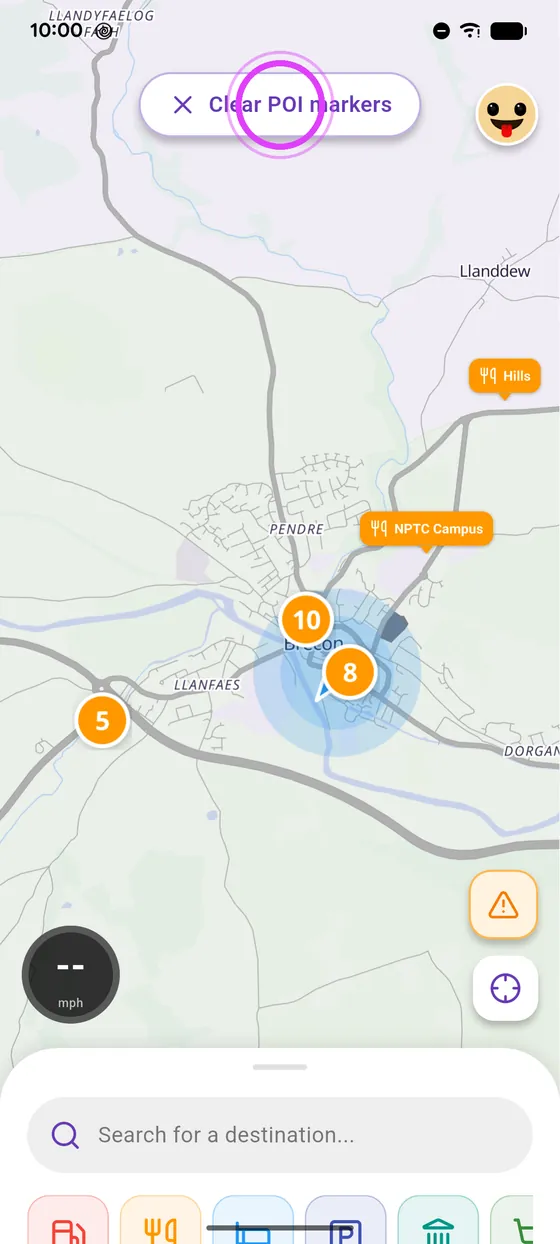
Tap a place to ride there
Tap a place on the map to see its details, and ride there.
Not onVroom GPS yet?
Get the free app: voice guidance, speed cameras, curvy roads and CarPlay, no subscription.