Guide · Navigation
Startand stop navigation
A destination, one button, and off you go. Here is how to start guidance, read the navigation screen and stop it once you have arrived.
Step by step ↓
Step by step
Followthe guide
If the app closes during navigation, Vroom offers to resume it when you open it again.
-
1
Pick your destination
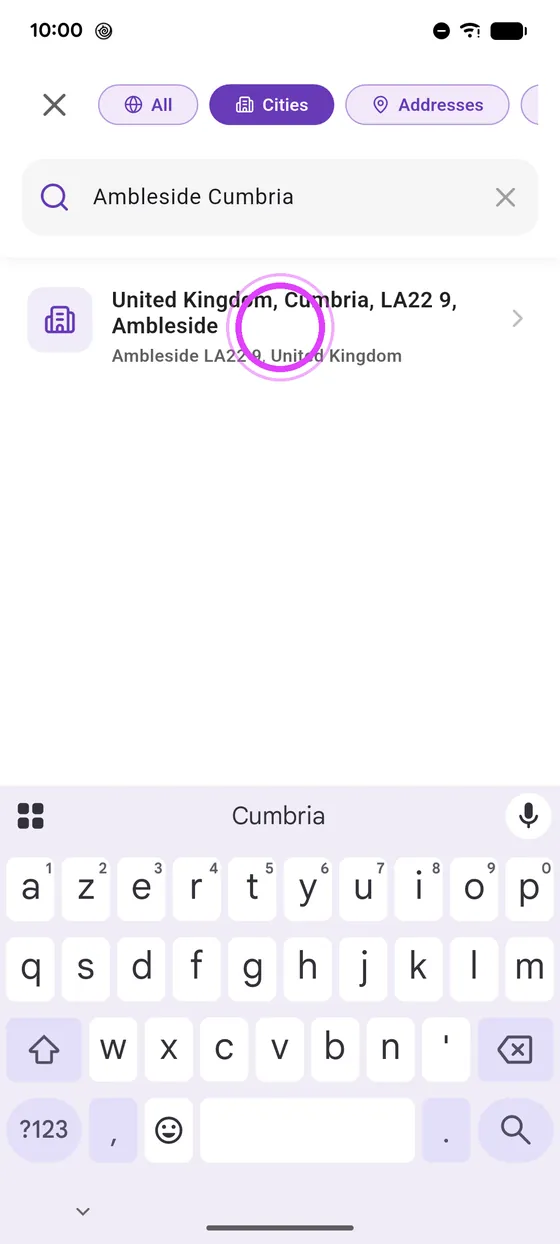
Pick your destination in the search.
-
2
Start navigation
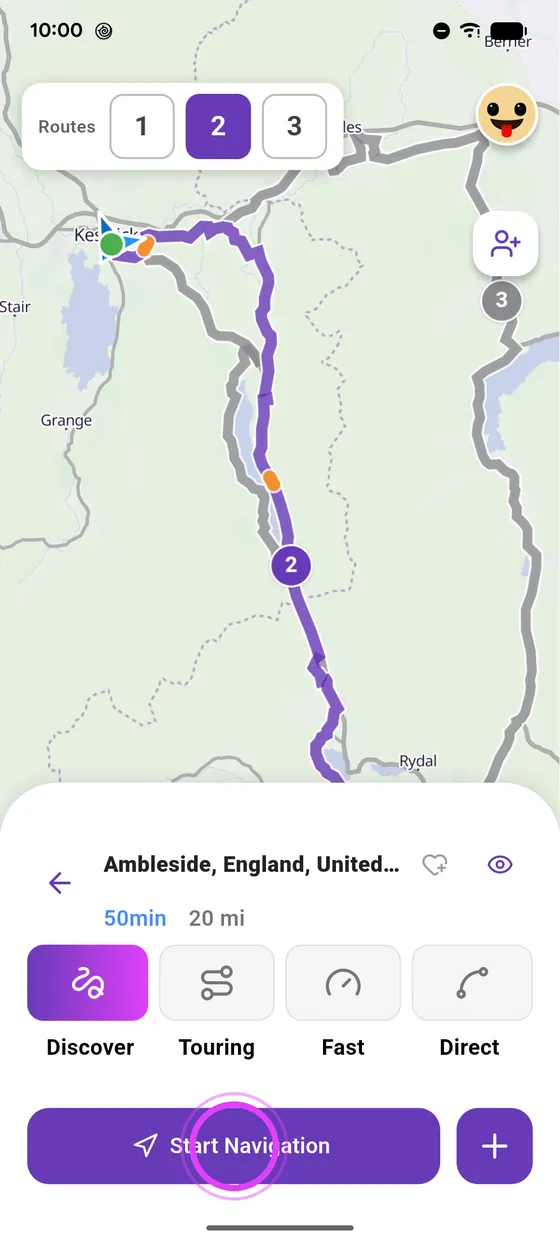
Tap Start Navigation: guidance begins.
-
3
Read the navigation screen
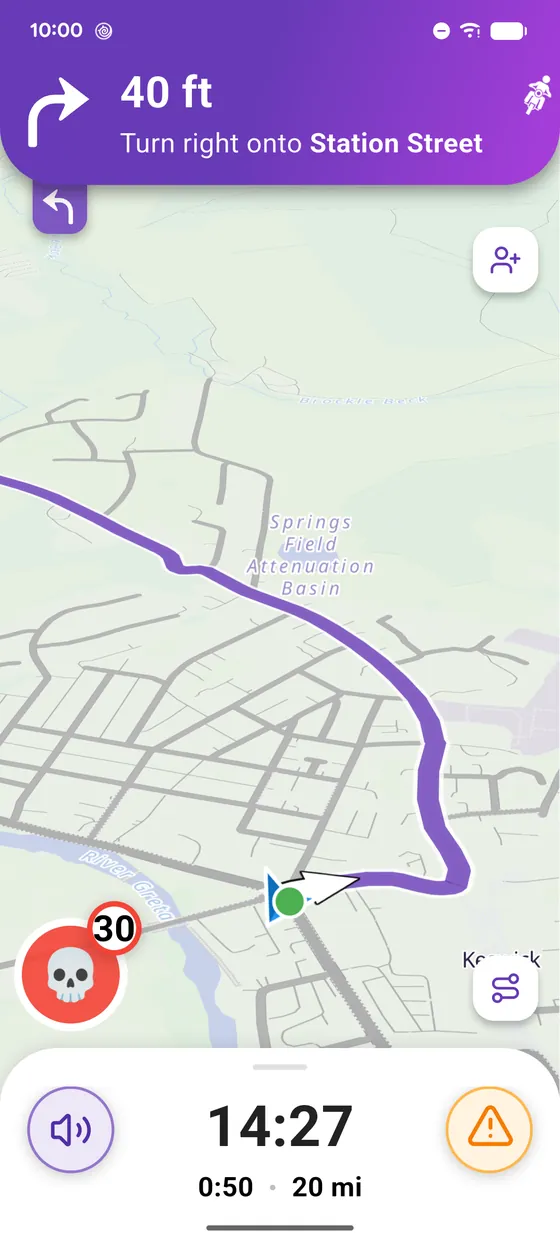
At the top, your next turn. At the bottom, arrival time and distance left.
-
4
Stop navigation
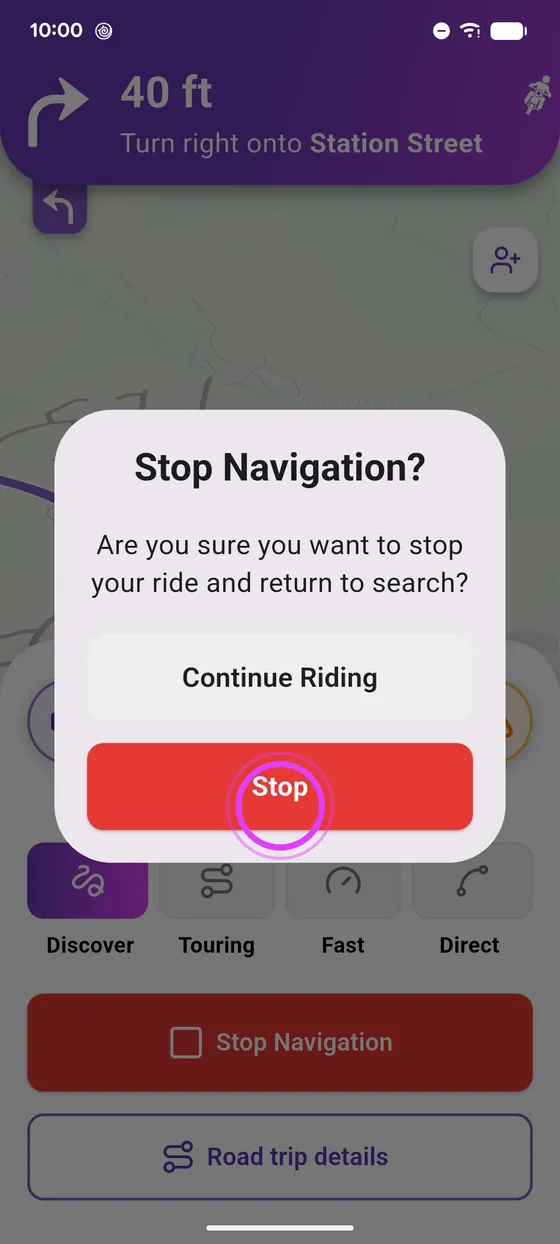
To stop, slide up the bottom panel, tap Stop Navigation, and confirm.
Not onVroom GPS yet?
Get the free app: voice guidance, speed cameras, curvy roads and CarPlay, no subscription.