Guide · Navigation
The navigationscreen
One glance is enough: the next manoeuvre at the top, your speed and arrival at the bottom, everything else within glove reach.
Tested with Vroom GPS v2.1.8
Step by step ↓
Step by step
Followthe guide
The speedometer turns orange when you go over the limit.
-
1
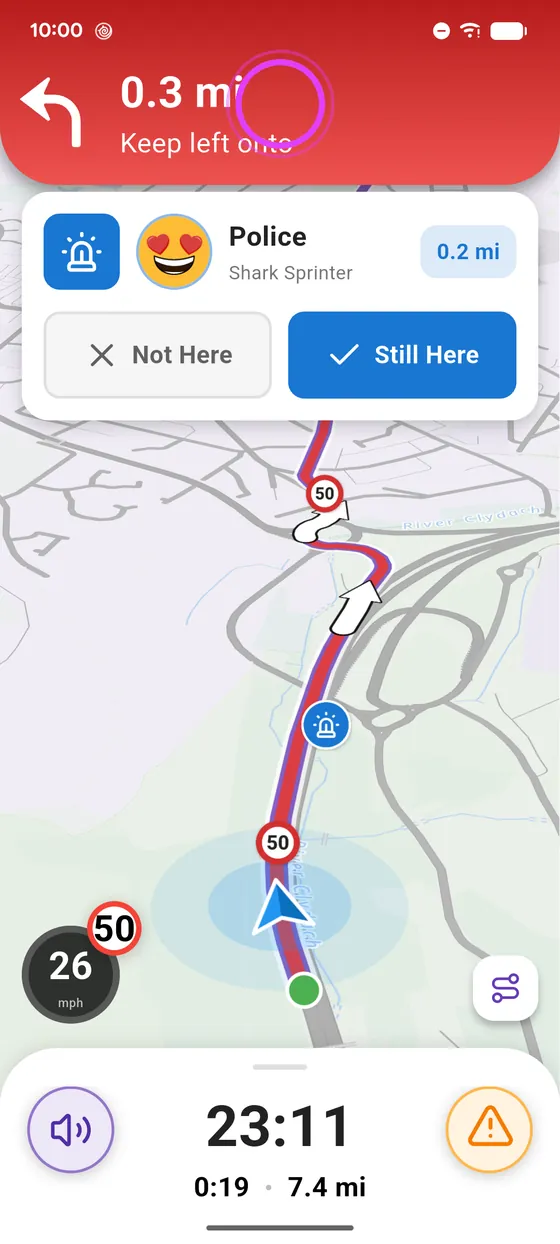
The next manoeuvre
At the top: the next manoeuvre, how far it is, and the road to take.
-
2
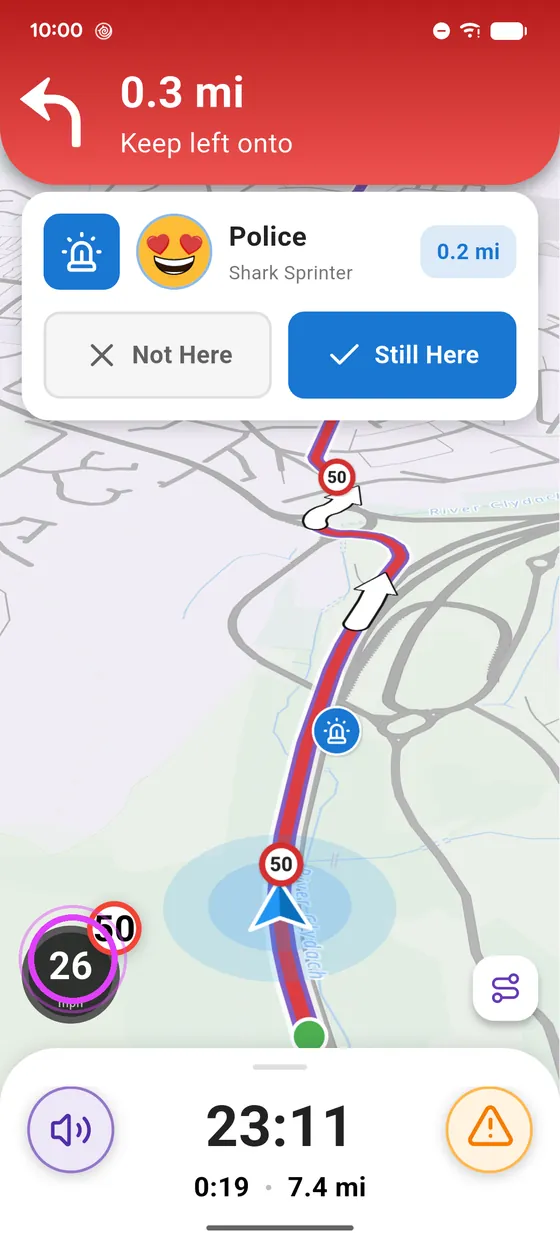
Speed and limit
Bottom left: your speed, and the road speed limit.
-
3
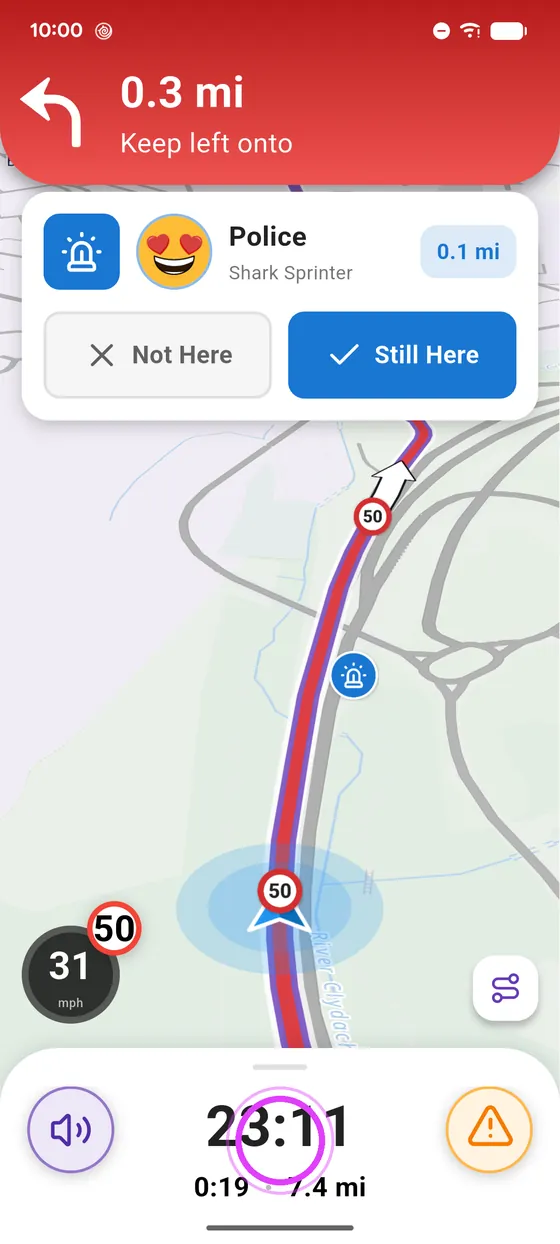
Arrival
At the bottom: arrival time, and the time and distance left.
-
4
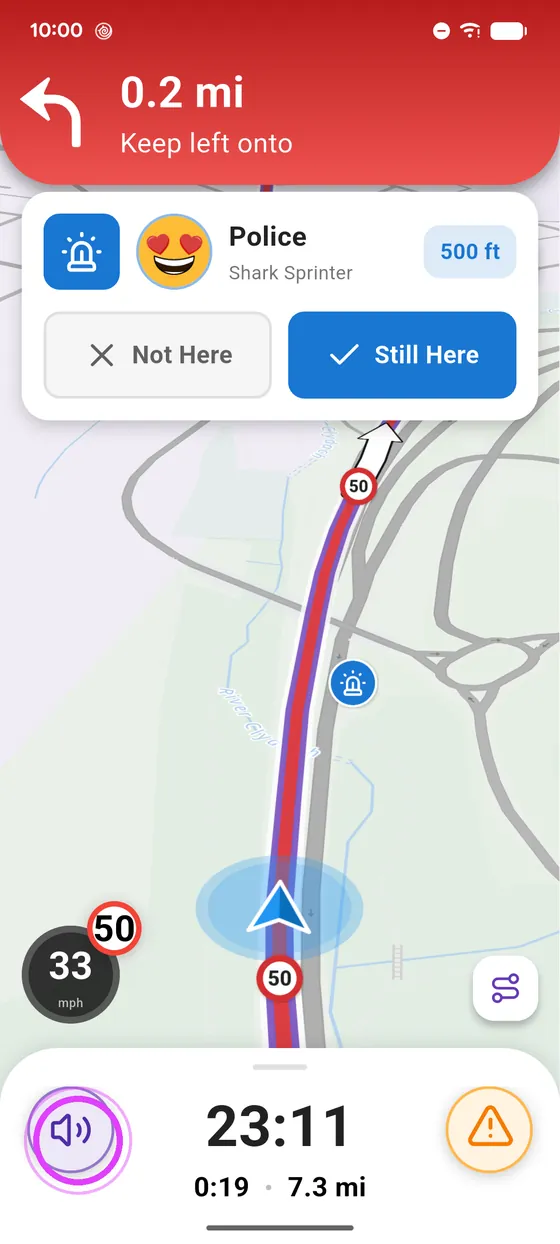
Sound and reports
Mute or unmute the voice guidance, and report a hazard on the road.
-
5
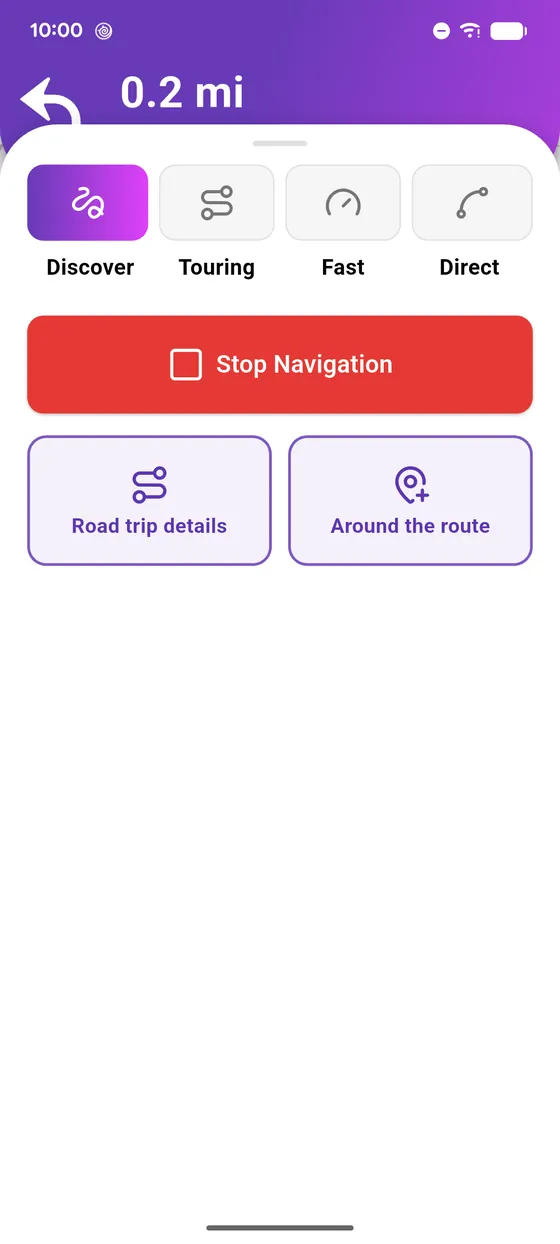
The navigation panel
Swipe up the panel: route style, stop navigation, road trip details, and places along the route.
Not onVroom GPS yet?
Get the free app: voice guidance, speed cameras, curvy roads and CarPlay, no subscription.