Guide · Home
The home screenat a glance
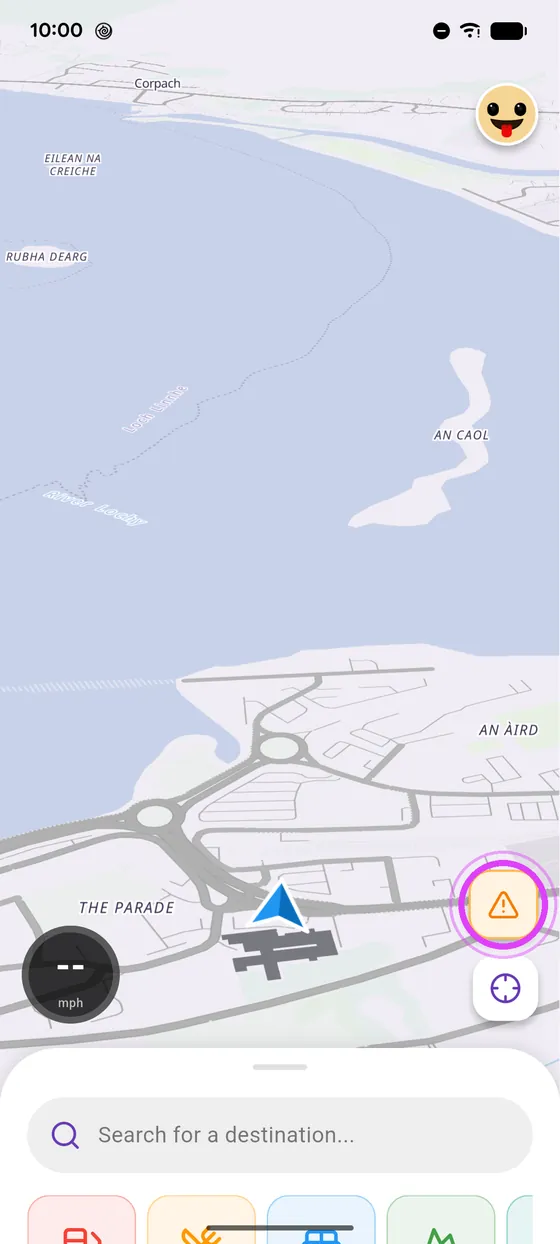
Everything starts from the bottom panel: search, ride, plan a road trip or a ride with friends.
Tested with Vroom GPS v2.1.8
Step by step ↓
Step by step
Followthe guide
Swipe the panel up to open it, and down to fold it away.
-
1
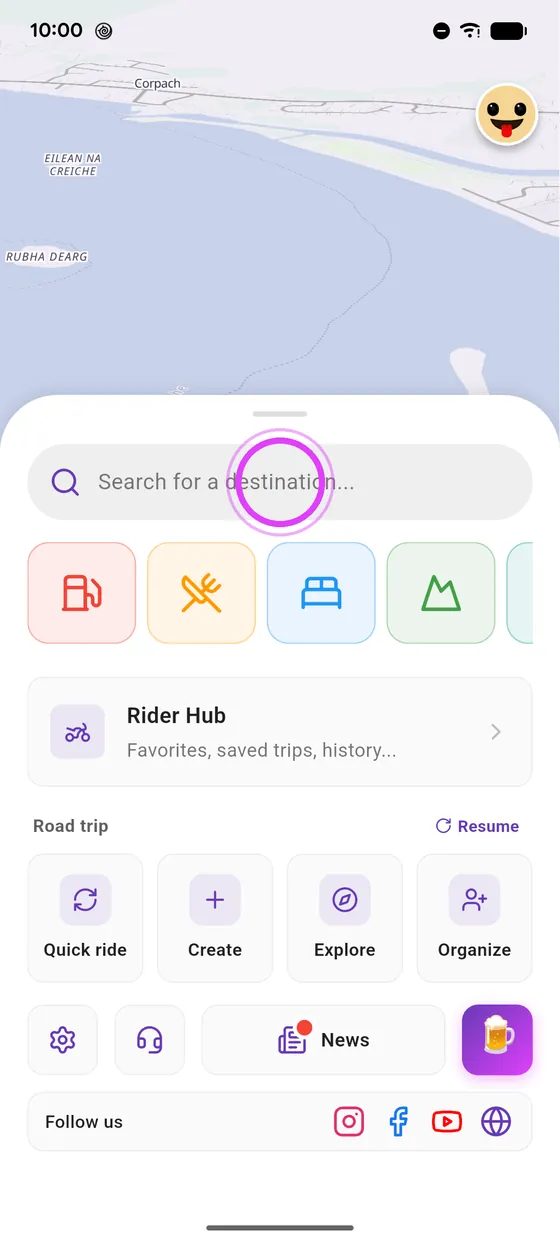
Search
Swipe up the panel: search is at the top, with handy places right below.
-
2
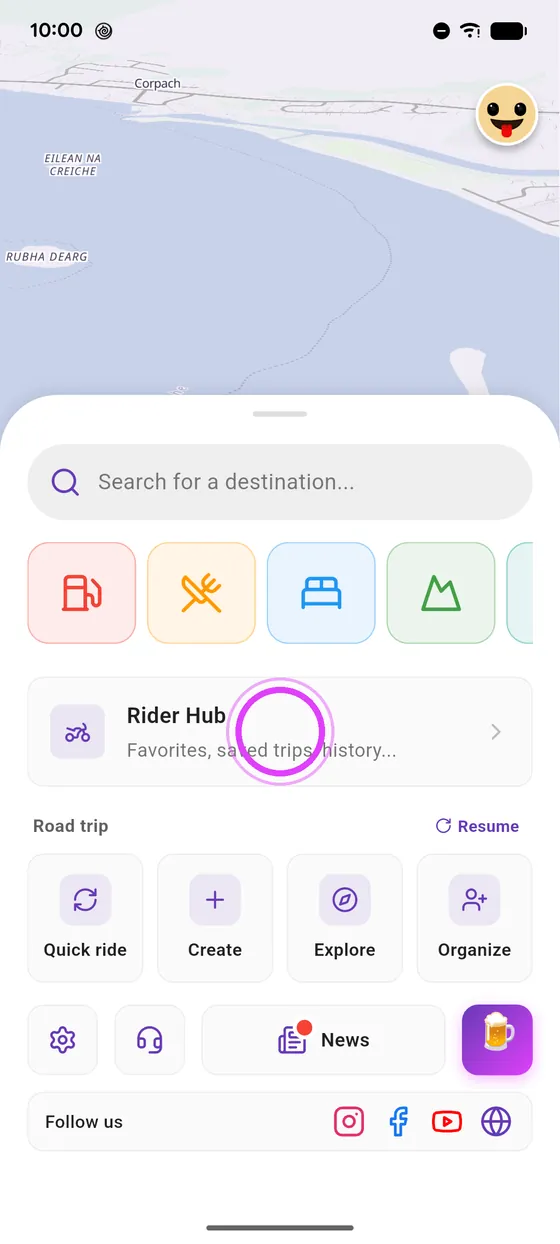
Rider Hub
Rider Hub keeps your favourites, saved road trips and history.
-
3
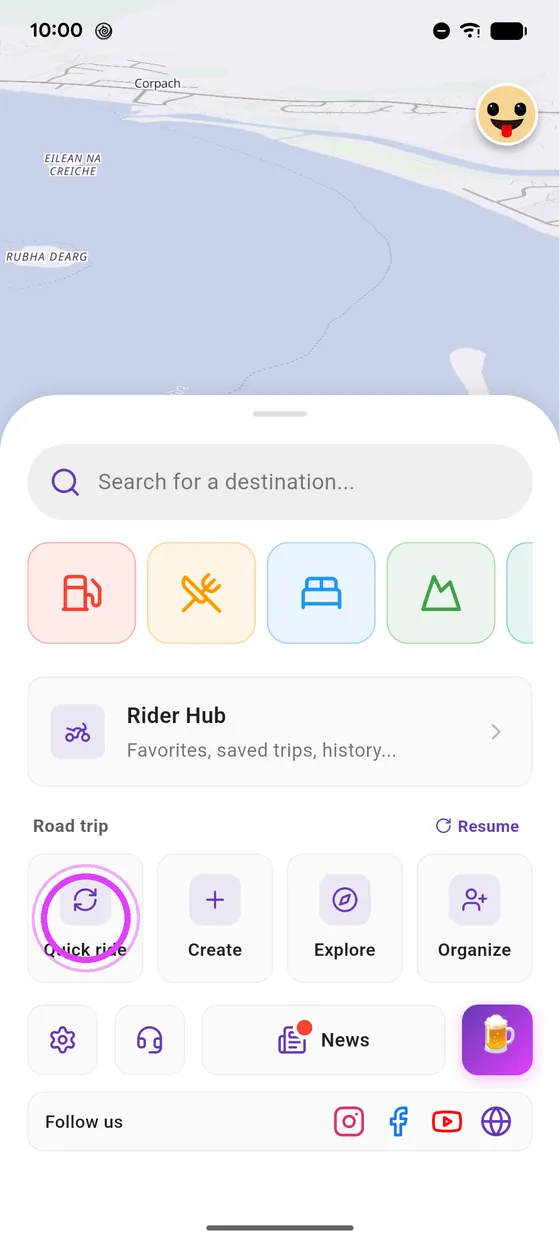
Ride and plan
A quick loop, a road trip to create, others to explore, or a group ride to organise.
-
4
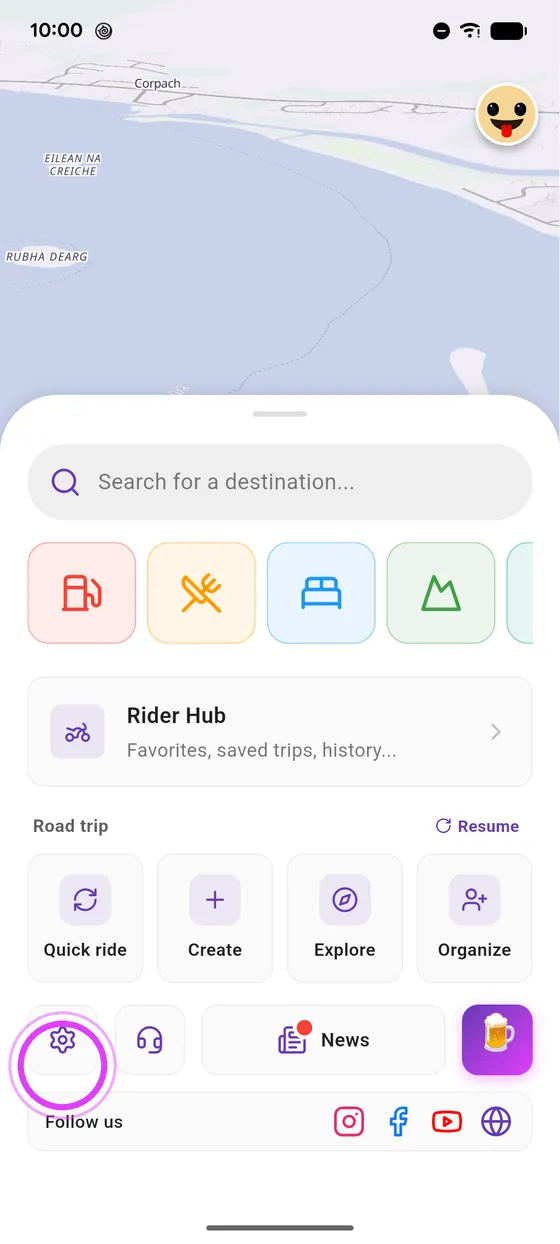
Settings and news
At the bottom: settings, and Vroom news.
-
5
On the map
On the map: report a hazard with the triangle, and recentre with the target.
Not onVroom GPS yet?
Get the free app: voice guidance, speed cameras, curvy roads and CarPlay, no subscription.