Guide · Map
A long presson the map
Spotted a place on the map with no address? A long press is all it takes: check it in Street View, then go there.
Tested with Vroom GPS v2.1.8
Step by step ↓
Step by step
Followthe guide
Handy for a viewpoint, a pass or a nameless car park.
-
1
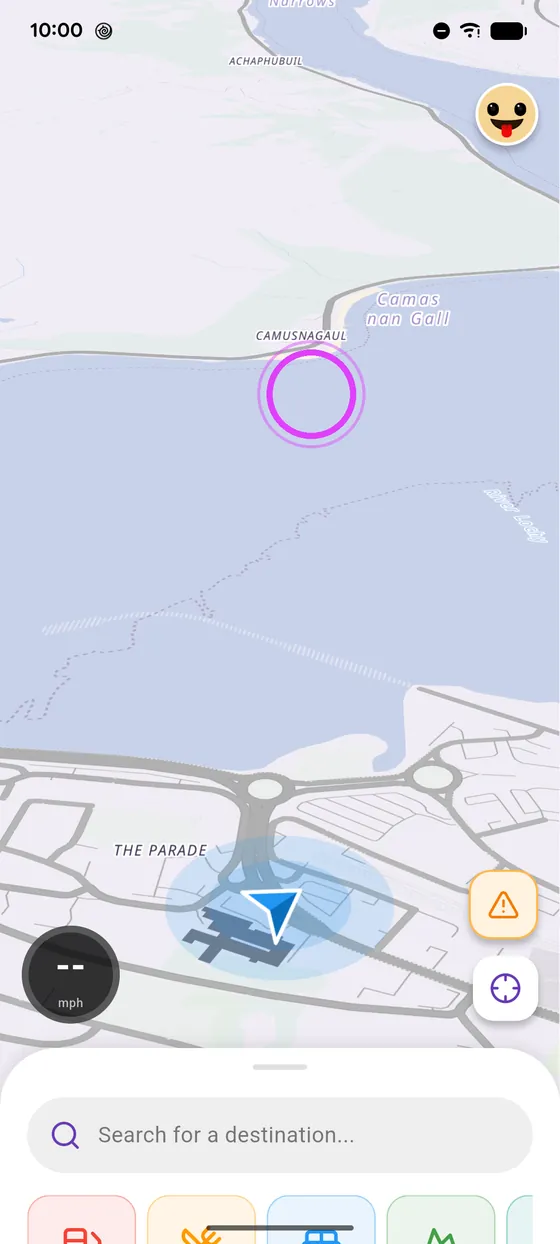
Long press
Long press on the map, on the spot you like.
-
2
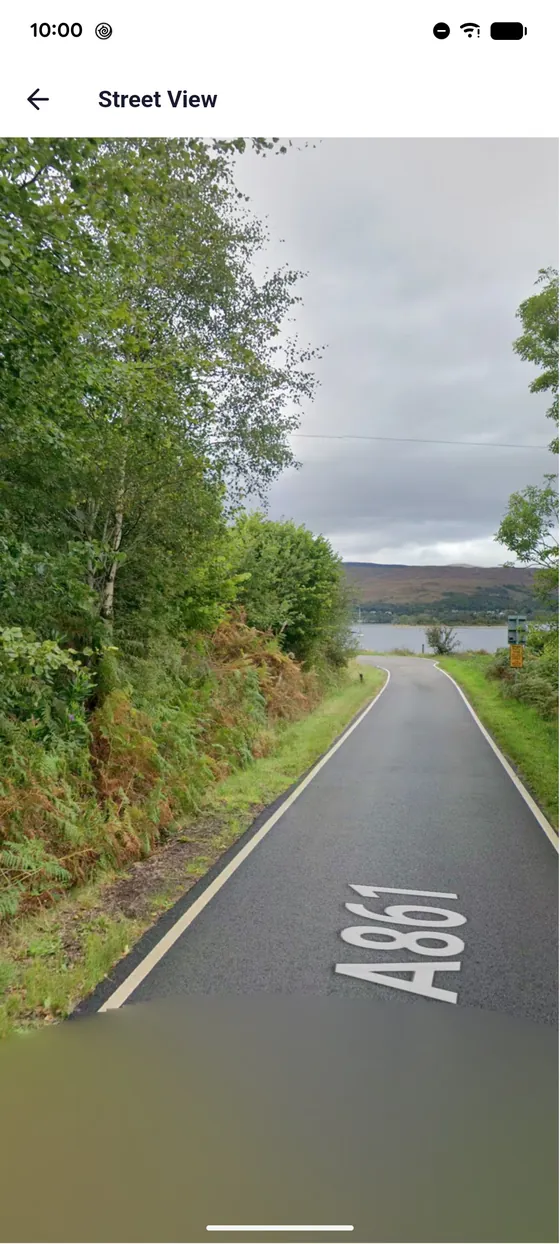
Street View
Tap View in Street View to check out the place.
-
3
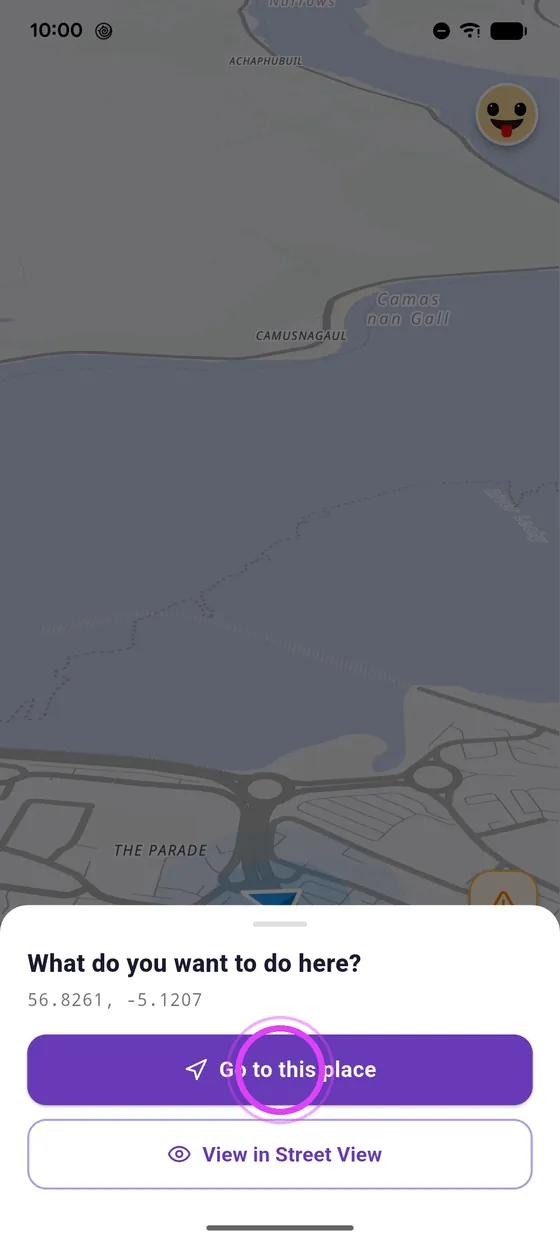
Go there
Back on the menu, tap Go to this place.
-
4
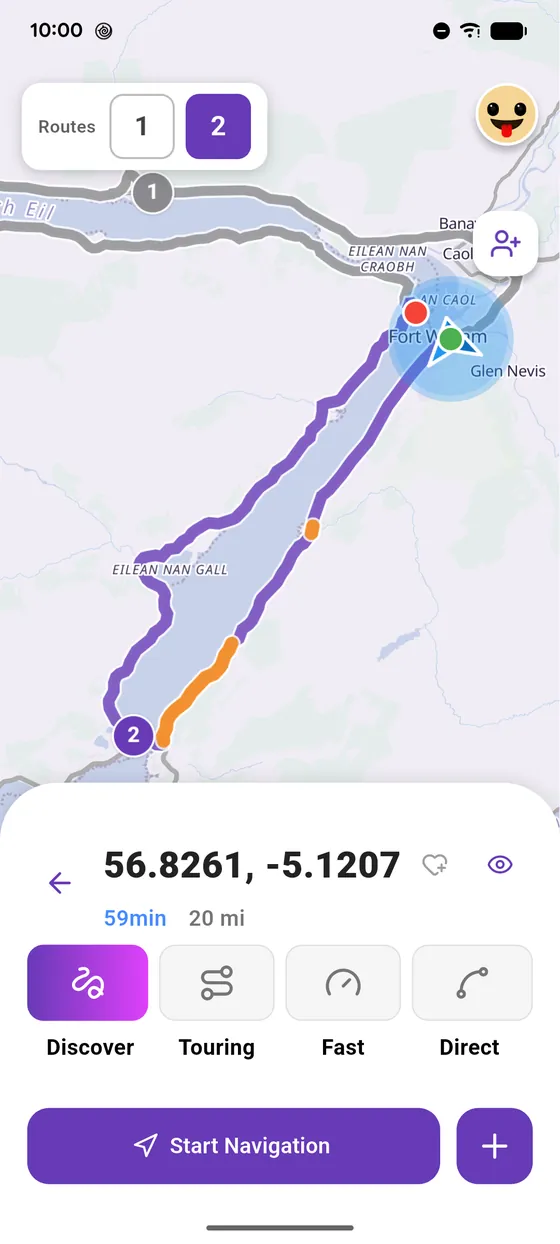
Your route is ready
Your route is ready: pick your riding style, and start.
Not onVroom GPS yet?
Get the free app: voice guidance, speed cameras, curvy roads and CarPlay, no subscription.